Translate


Hello,
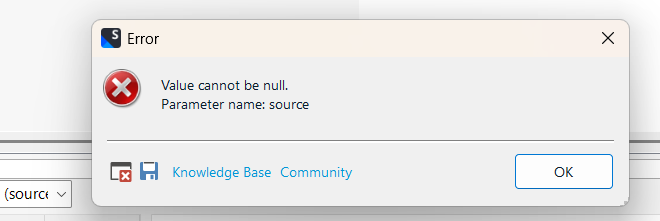
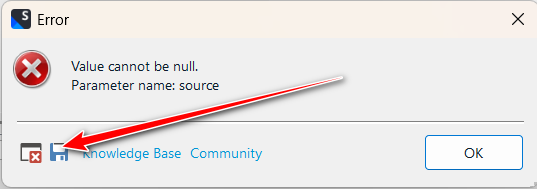
I have Trados 2022 Freelance version. I usually use the Review section to review my translated documents, but I often encounter the same problem. Trados usually freezes at certain segments, but I have noticed that those segments contain symbols like < > (see the attached picture), and most of the time, I receive an error (today the error was the one in the picture). The documents are converted from PDF with ABBYY FineReader 15 (maybe this information is important).
What I have tried: I reinstalled windows and Trados, created a new translation memory and imported the old memory to the new one, uploaded the document again with a new name. Unfortunately, nothing changes. The Review section always freezes Trados when I click those segments.
Is there a way to avoid these situations in the future?
Thank you!