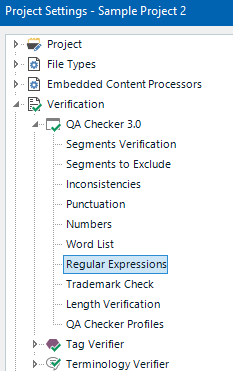
QA checker for non breaking space not working

Dear all,

I am using trados studio 2022 sr2

I am trying to get the QA checker to point ot when in source there is a Non breaking space but not in target, I have found this article

https://gateway.rws.com/csm?sys_kb_id=f226e6ec1b4b9a50772c0dcad34bcb51&id=kb_article_view&sysparm_rank=1&sysparm_tsqueryId=33d71ed68384aa14a6b1fab8beaad3e3

but I still get no errors also, i am surprised the regular tag checker is not poining out the absece of spacing next to the tags.

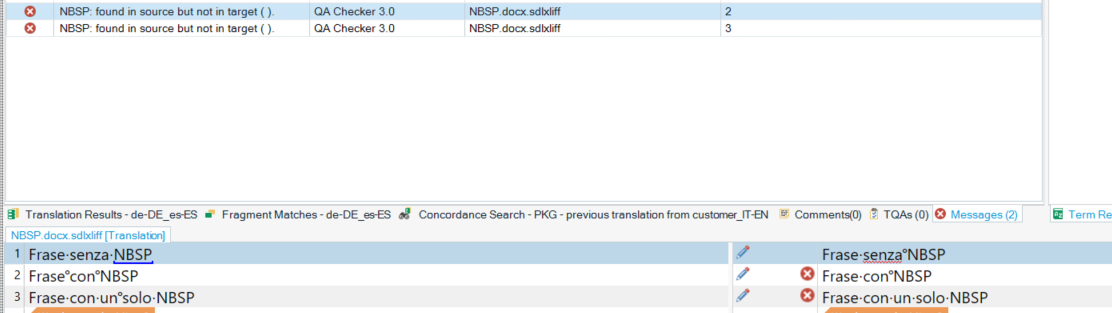
below you see an example of the segemnts i need the QA to identify

Screenshot of Trados Studio interface showing two segments with highlighted text and tags, indicating potential issues with non-breaking spaces and tag consistency.

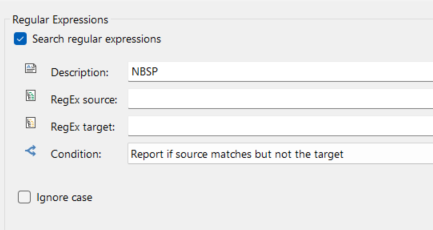
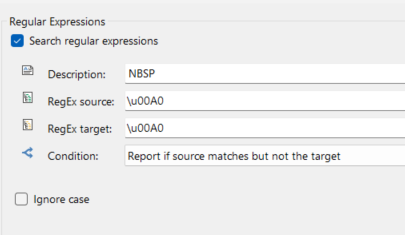
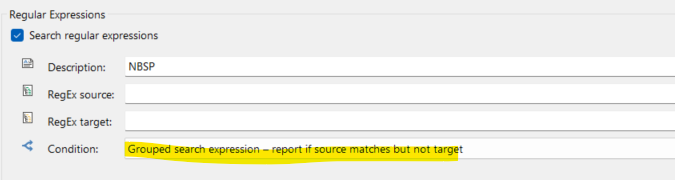
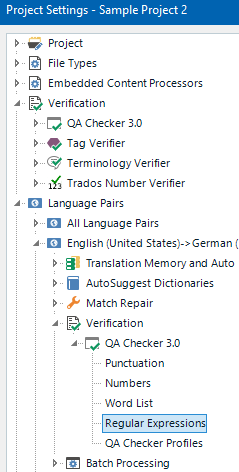
these are my settings:

Screenshot of Trados Studio QA Checker settings with a regular expression search for non-breaking spaces (NBSP) without a specified regex pattern. you cannot see the space but i used the suggested alt + 0160 in source and target

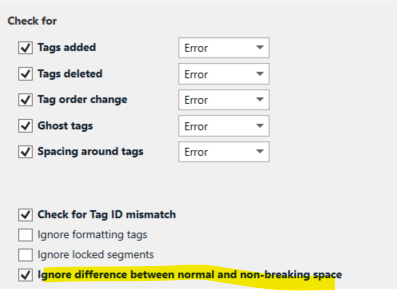
and these are the tag checks
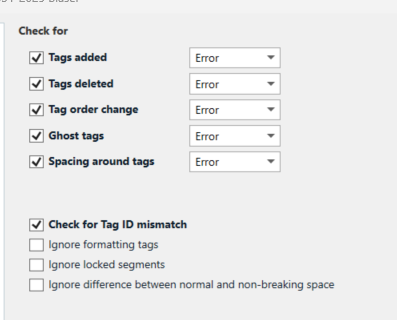
Screenshot of Trados Studio QA Checker settings for tag verification, with options for tags added, deleted, order change, ghost tags, and spacing around tags set to 'Error'.

Has anyone encountered this issue, i am probably missing something here...

Many thanks

Rita


Generated Image Alt-Text
[edited by: RWS Community AI at 7:58 AM (GMT 0) on 5 Mar 2025]

emoji
Parents Reply
  • Thanks Jerzy,

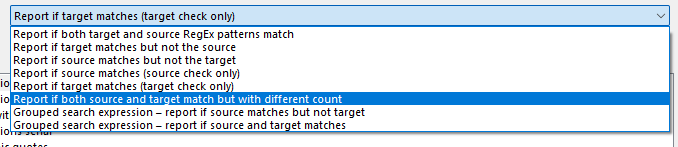
    i tried, and tried again also with alt+0160, but to no avail. I also tried the grouped search and only source search, it seems like it's not recognising the character at all.

    I tried with trados 2021 as well..just in case...

    besides that, why is the tag verifyer not telling me about the missing spaces in this one?

    Screenshot of Trados Studio interface showing text with a red underline indicating a potential issue, and a tag error icon with the number 1020.

    i also tried like this

    Trados Studio verification settings dialog box with options for tag verification, including an unchecked option 'Ignore difference between normal and non-breaking space'.

    but nothing...Cold sweat

    I will try with another filetype as soon as i can, in case, i'll update you.

    Thanks for now

    Rita

    emoji


    Generated Image Alt-Text
    [edited by: RWS Community AI at 11:32 AM (GMT 0) on 5 Mar 2025]
Children