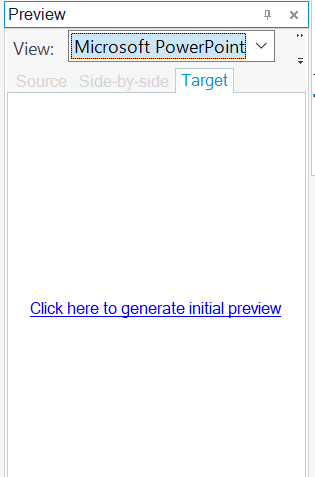
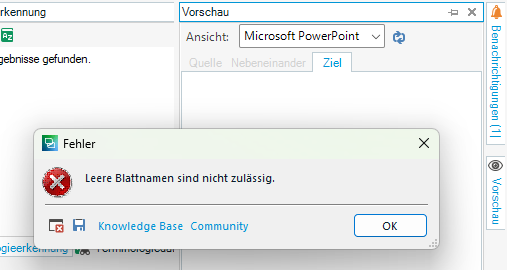
Zieltext konnte nicht gespeichert werden: Leere Blattnamen sind nicht zulässig

Beim Versuch meinen Zieltext (PPT-Datei) zu speichern, bekomme ich die im Titel genannte Fehlermeldung.
Ich habe:
- versucht, den Ausgangstext über Erweitertes Speichern zu speichern --> funktioniert
- versucht, über "Erweiterter Anzeigefilter" - Dokumentenstruktur -> filtern nach "WS/Sheet1" den Ausgangstext der ca. 15 Segmente in das Zielsegment reinzukopieren

Die Fehlermeldung erscheint unverändert.

Ich nutze Trados Studio 2021 SR2 - 16.2.10.9305 

Was könnte ich noch versuchen?

Herzlichen Dank!
Sandra

emoji
Parents Reply
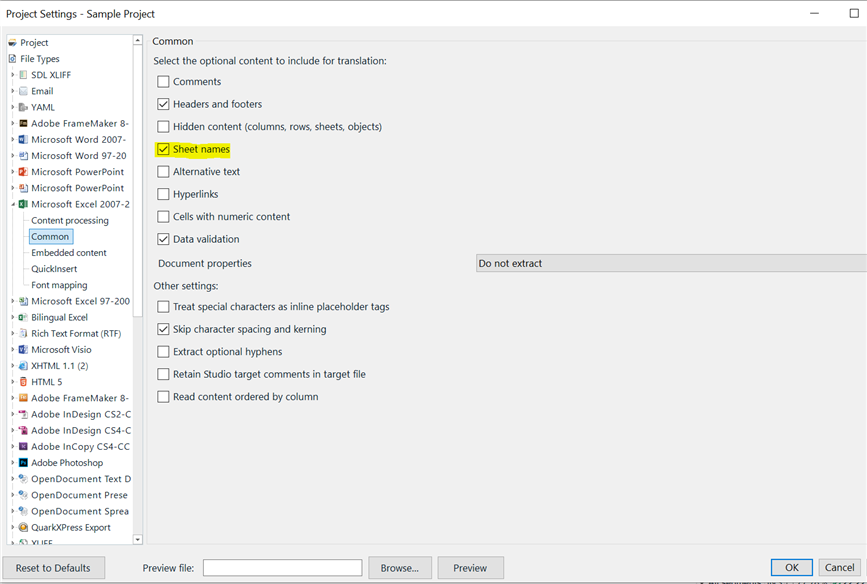
  • Ok, I'm sorry for the confusion, I think I know why it didn't work: The client uses a specific font (which I don't have for confidential reasons). If I "erase" (=replace) these fonts in the source file before importing the exportation of the target file is now working (since I changed the parameters in SDL for the embedded file type "Excel" - don't translate sheet names). So, there was a combination of 2 problems ;-) Thank you for your precious help!

    emoji
Children
No Data