Termbase viewer extremely small

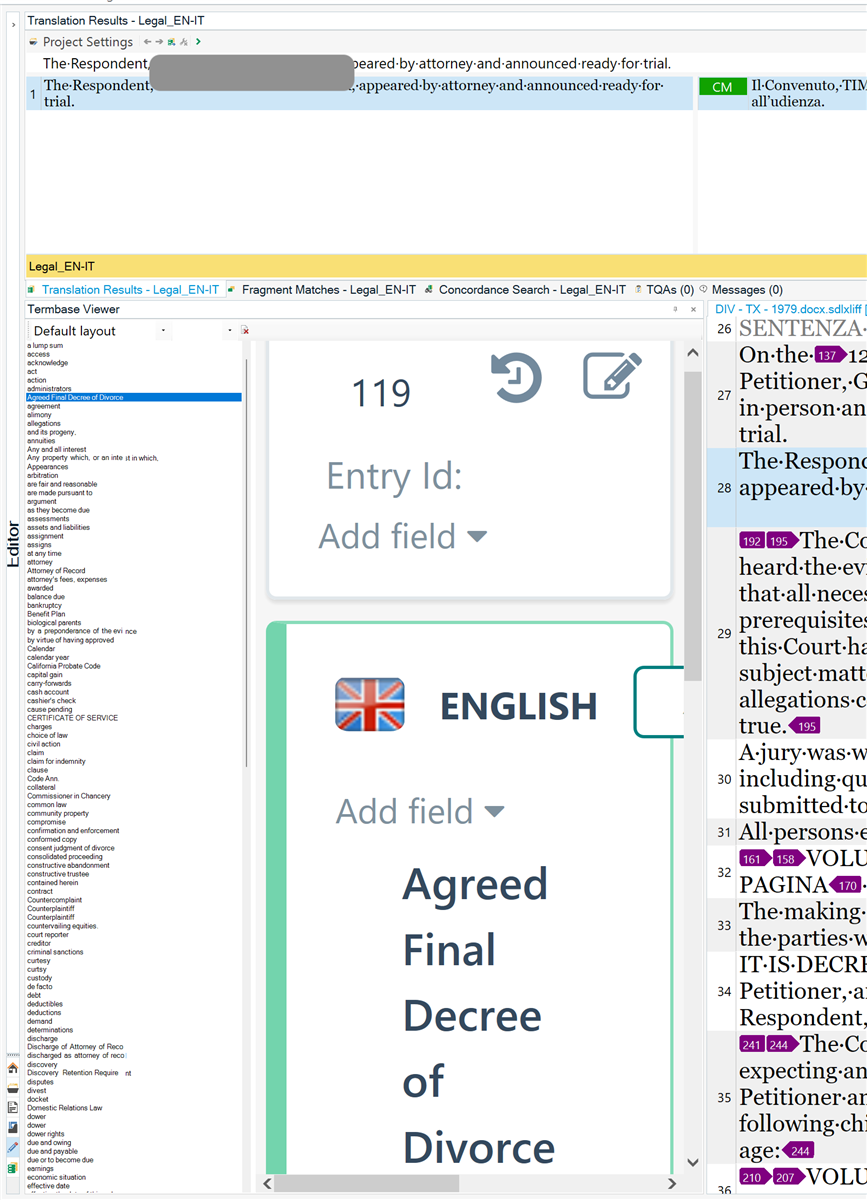
I am a 2021 SDL Trados Freelancer Pro user and I am using Parallels to run Win 11. Since forever, I have been having issues with the termbase viewer size  being very small, whereas the selected term is bigger. 

I have just installed the trial version of 2022 but the issue persists. 
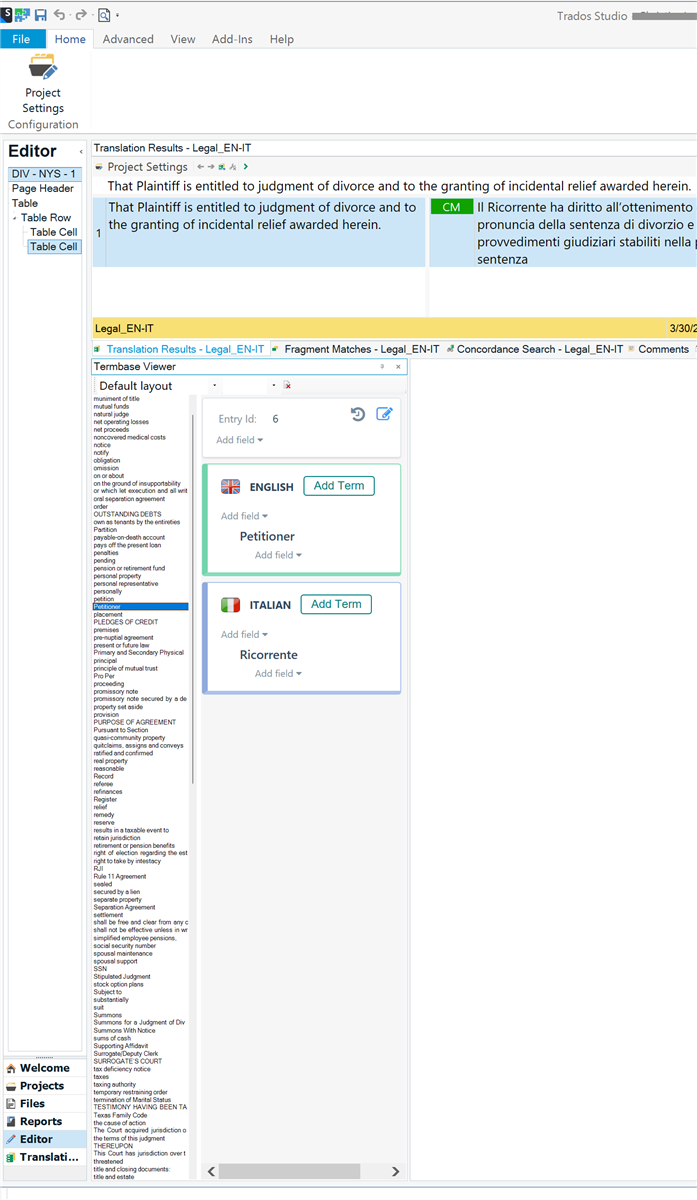
Screenshot of Trados Studio interface showing the Editor with a translation project open. The Termbase Viewer pane is displayed with a small font size for the term list, while the selected term 'Petitioner' in English and 'Ricorrente' in Italian is displayed in a larger font size.


Generated Image Alt-Text
[edited by: Trados AI at 2:47 AM (GMT 1) on 31 Mar 2024]

emoji
Parents Reply
  •  

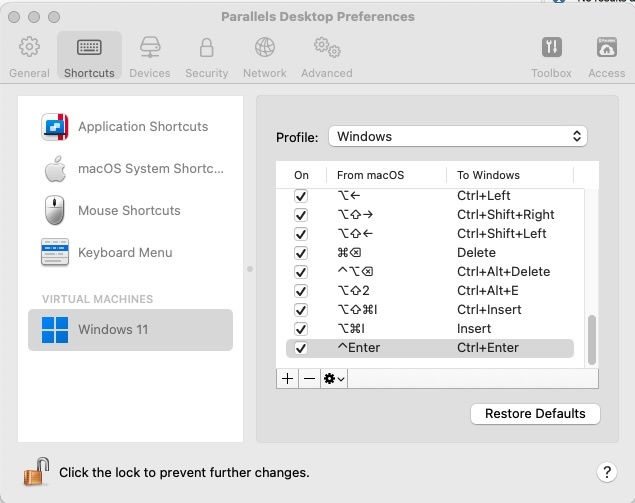
    Microsoft Word was just an example. Zooming with CTRL + wheel mouse works also with the Notepad.

    I was trying to confirm if that shortcut works on any other Windows application other than Trados Studio. If it doesn’t, then it’s an issue with your Parallels setup…

    Last, I see this post has a confirmed answere (see the green tick in my screen shot below?). Please reject the answer you confirmed, so other peers can read this post and help you.
    Screenshot of a forum post titled 'Termbase viewer extremely small' with a green check mark, indicating a confirmed answer. It shows 305 views, 9 replies, and the user Paola's avatar with the latest activity 11 hours ago.

    emoji


    Generated Image Alt-Text
    [edited by: Trados AI at 8:17 AM (GMT 1) on 3 Apr 2024]
Children