Translate



Hi
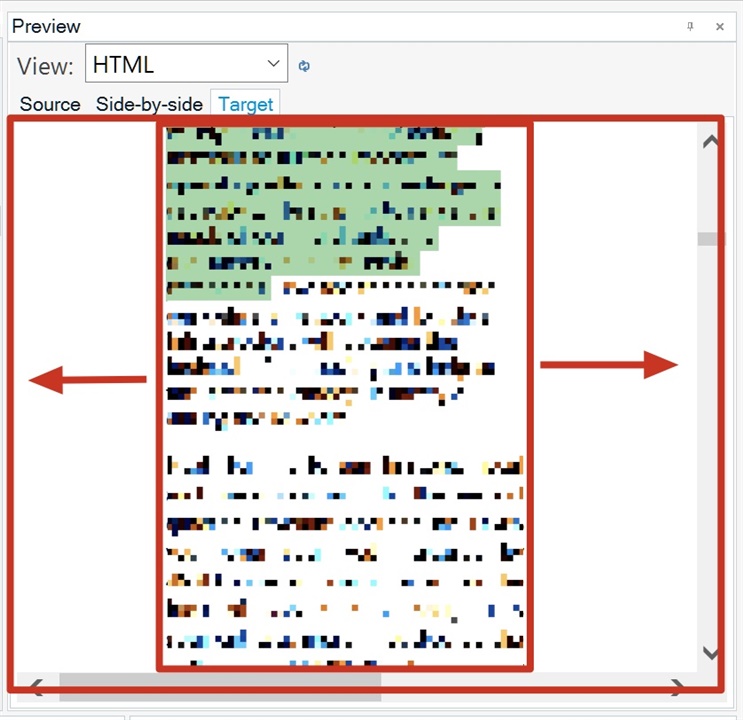
How can I enable target texts in Preview Panel to fit to the width? There is too big margin left on the left/right side, as shown in the following screenshot.
thanks
Christen
Generated Image Alt-Text
[edited by: Trados AI at 10:25 PM (GMT 0) on 28 Feb 2024]