Translate



Hello everyone,
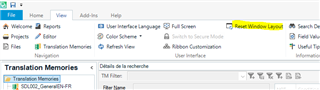
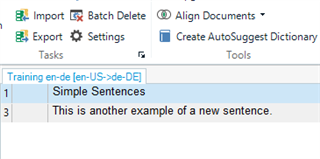
I am on the TM section in Studio, but I can't see the Search Details bar that generally stays on top (I can still see the Find and Replace when I click on them).
I tried by clicking on Performance Search or Add / Delete (filters), but still nothing.
.
Could anyone recommend how to make it visible?
Thanks in advance
Generated Image Alt-Text
[edited by: Trados AI at 7:15 PM (GMT 0) on 28 Feb 2024]