You are currently working on UAT 

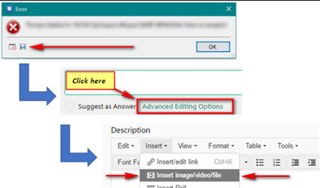
Error message when I open a file in Editor: Object reference not set to an instance of an object

Hi,

I bought Trados 10 days ago and started getting this error message (Object reference not set to an instance of an object) a couple of days ago when I open a file in Editor, after I'm prompted to choose Source and Target languages and TMs, this message pops up in Editor. It seems to disable TMs and MT. 

I've tried to uninstall Trados and install it again. That didn't help. I've also tried the Repair button but that didn't help either.

Could you please help me fix this?

Parents Reply
  • Hello Steven,

    The problem is back, please see the error details below:

    Type   System.NullReferenceException, mscorlib, Version=4.0.0.0, Culture=neutral, PublicKeyToken=b77a5c561934e089

    HelpLink:

    Source   Sdl.TranslationStudio.Editor

    HResult: -2147467261

    I use Windows 10, Microsoft Office Home and Student 2019, it is a Word file, language pair English>Czech, I've selected English>Czech

    Yesterday I translated the very same file no problem and today when I open it I get this error. It happens with other Word files and with .txt files. I managed to open a PDF file no problem but in the past, it used to happen with PDF files too.

    I'm looking forward to hearing from you soon.

    Best wishes,

    Mira

Children
No Data