
 Translate



Hello.
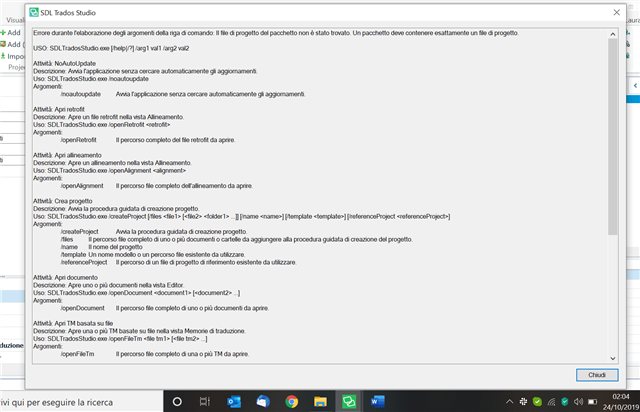
I updated my SDL Studio 2019 few days ago and I can no longer open packages, even the old ones I regularly worked with until last week.
One of my main clients sends me packages, therefore I need to find a solution asap.
I am enclosing a screenshot of the error message I get.
Thank you in advance for your assistance!
Best regards,
Laura
Generated Image Alt-Text
[edited by: Trados AI at 6:50 PM (GMT 0) on 28 Feb 2024]


