Translate



Evening, all,
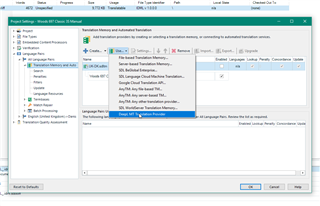
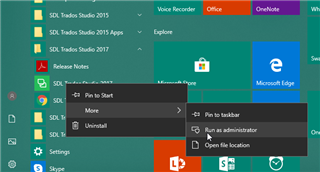
I’ve downloaded and installed the latest version of the DeepL plugin and have been assured by DeepL that it should now automatically appear in the list of TMs available when selecting my project settings, but this is not the case - I get Add Any TM, SDL Global..., and various other options but DeepL is not listed, despite having been installed several times.
Any ideas what the problem might be? I’m using Studio 2017, by the way.
Thanks in advance!