
 Translate



My Trados Studio 2017 doesn't get past this screen:
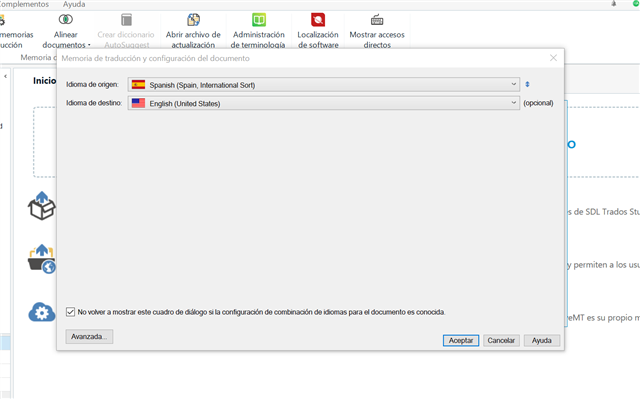
The Translation Memories and Automatic Translation Engines don't load. It's been happening for a while now, it usually works after I close and open it again for the third or fourth time, but nothing so far. I've killed the program from the Taskbar, rebooted, etc. Also, I don't know the name of this problem to further look on Google.
Thank you!
Generated Image Alt-Text
[edited by: Trados AI at 6:27 PM (GMT 0) on 28 Feb 2024]

