
 Translate



Dear All,
It seems that in SDL Trados 2019, The speaker's notes of a PPT won't appear except if I upload the file as a new project and not as a single translation and then I tick the notes in the file types/common of the project settings for each project.
So what can be done so that the software adds systematically the notes without having to tick every time? And Why can't I have the notes included whan I chose the option 'Translate as a single document'?
Many thanks for your help.
Best regards,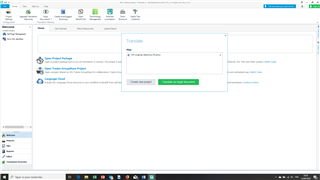
Anne Schweitzer
Generated Image Alt-Text
[edited by: Trados AI at 6:20 PM (GMT 0) on 28 Feb 2024]

