Translate



Hi all,
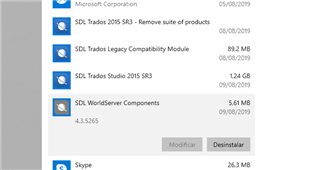
I recently transferred my Studio licence to a new computer and was offered a free upgrade from Studio 2014 SP1 to Studio 2015 SR3, which I accepted. Installation worked fine and the existing TMs can be accessed without major problems.
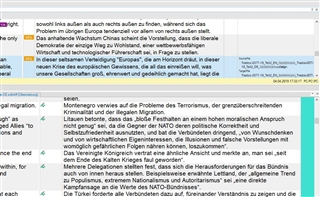
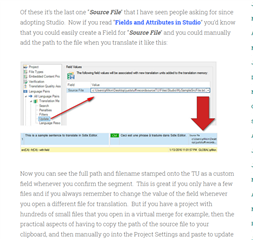
However, the source file/path of the Translation Units (TUs) within the different TMs is no longer displayed, except for files that had been aligned, but not for the TUs that were included in the TM upon translating. The only reference I can see is the date of creation and the source TM (usually my master TM). When working with different versions of the same document, I like to see which previous version the TM proposal is taken from.
The same happens with new TUs that are included in the TM when working with Studio 2015: there is no hint regarding the source document. So the fact that the location of the source files on the new computer has changed can’t be the reason.
The source files are all Word files, by the way.
Any suggestions on how to fix this?
Regards,
Andrés