
 Translate



I just opened a large project package from a client and got this message:
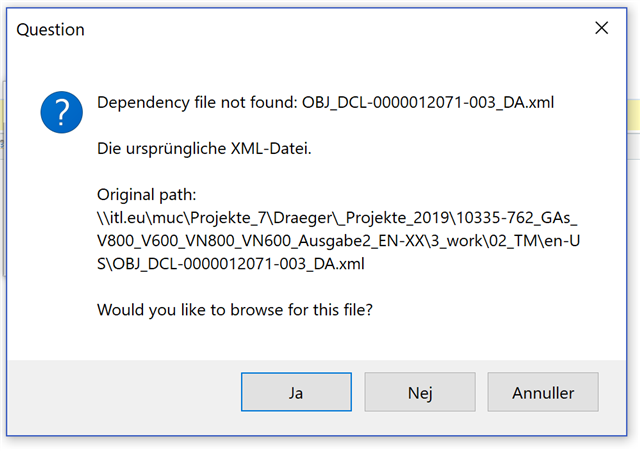
I do not need to preview or "save target as", it's simply a package coming in and I need to deliver a return package back. Is it correctly understood that I can simply click "No/Nej" and ignore this message for my purpose?
Thanks!
Generated Image Alt-Text
[edited by: Trados AI at 6:00 PM (GMT 0) on 28 Feb 2024]

