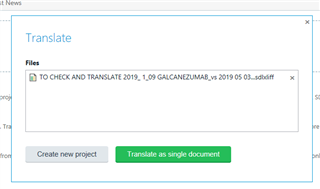
Translate



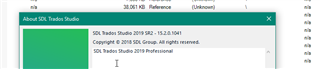
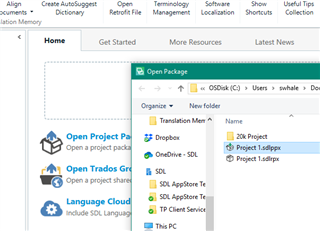
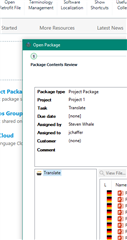
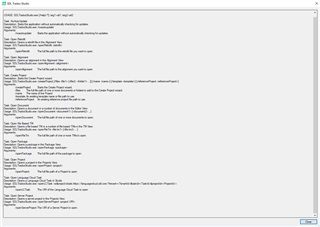
I checked many different solutions, deleted registry for sdlppx, sdlrpx, sdlxliff files, let Windows repaired the installation of Trados, re-installed Trados, but still no change: double-clicking on any of these files only opens a new instance of Trados but not the given file.
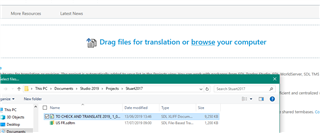
There is a special problem with sdlxliff without sdlproj - when my colleague sends me sdlxliff for review, I cannot open it - neither by double-click nor directly from Trados since "Open project" icon wants only sdlproj. I found a workaround in between - drag and drop the sdlxliff file, but I would like to have the former functionality back please!