Translate



Hello there,
I would like to use PerfectMatch for making an update translation of a previously translated Flare project. As this is for testing the workflow, the real translations are not done yet and I used pseudo translation instead. However, I do not see the matches in the update project.
My expectation is to see something like this:
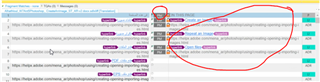
But my update project looks like this:
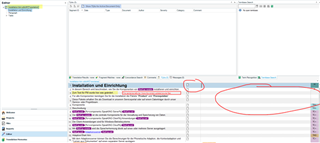
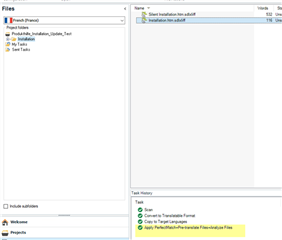
To get there, I performed the following steps:
1) new project (original project) - import original files from Flare project for translation
2) pseudo translation on original project
3) mark original project as completed
4) minor change to one of the original Flare files
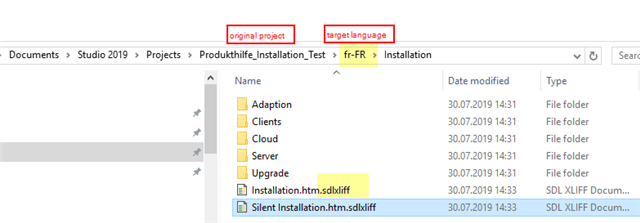
5) new project (update project) - import changed Flare files - add .sdlxliff files from original project via Perfect Match
6) open the chaned file in update project
What should I do to make the matches visible? Is Perfect Match the usual workflow for this use case or are there alternatives?
Thank you very much for your time!
Generated Image Alt-Text
[edited by: Trados AI at 5:44 PM (GMT 0) on 28 Feb 2024]