Translate



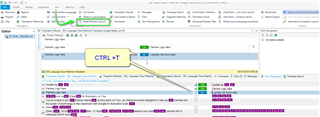
Hi all. I translate from Japanese into English. For some reason (cannot say since when) TM and MT results are no longer displayed in the "Translation Results" window above the editor. There is only a yellow band under the Japanese original.
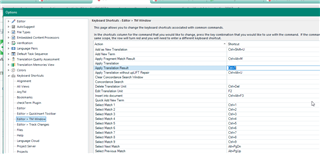
Lookup still works, because TM matches are still applied in the editor window and I get auto-suggested MT fragments as I type. However, the "Apply translation result" command (Ctrl + T) no longer works, which is frustrating.
What do??
Thank you in advance!
You are currently working on UAT

RWS Community