
 Translate



Hiya,
Just updated Studio 2017 to the latest build and it bricked the program.
Tried to reopen a file for review (which is due today), then clicking any segment to activate it (actually, opening project settings or clicking batch tasks also or basically anything) throws this error.:
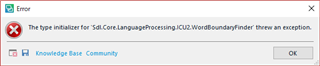
Tried to click the save disk button to get the full error data to post here, but then the error message loses responsiveness. 応答なし=no response
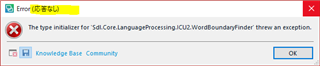
I have to force quit from here.
Other times just hitting OK without clicking the save disk button would show the below "SDL Trados Studio has stopped working and hates you" message (original translation by OP).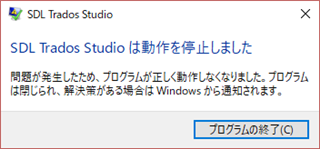
Tried to remove my translation resources to see if they were interfering. From project view (not file/editor view) opening the project settings and going to TM resources throws the error here too. The list for TM provider is weird. I think it lost some icons.
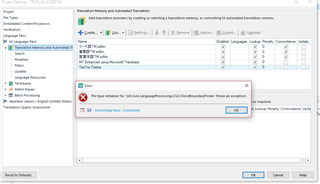
No, can't be the translation providers because opening other projects with completely different TM resources (no MT providers) also causes the error. Worse, other files don't open, and just go to a blank editor screen after clicking "OK" when the same error displays. It doesn't crash after that. I'll use a backup remote-access computer with a stable version of trados for now.
Here's my system info.
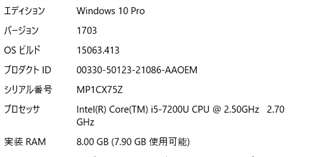
Please advise.
Generated Image Alt-Text
[edited by: Trados AI at 5:08 PM (GMT 0) on 28 Feb 2024]


