
 Translate



Hi,
I do not know whether the faulty behaviour of find and replace is a Studio 2017 issue or a Win 10 one but I hope that someone can help me I can well see the F&R dialog , the window appears but it won't open upon clicking on it. Therefore I can not use the functionality. Any 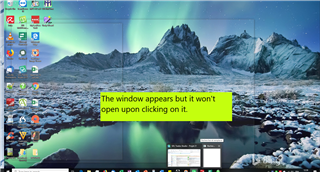 help is appreciated.
Generated Image Alt-Text
[edited by: Trados AI at 4:42 PM (GMT 0) on 28 Feb 2024]


