Translate



Hello,
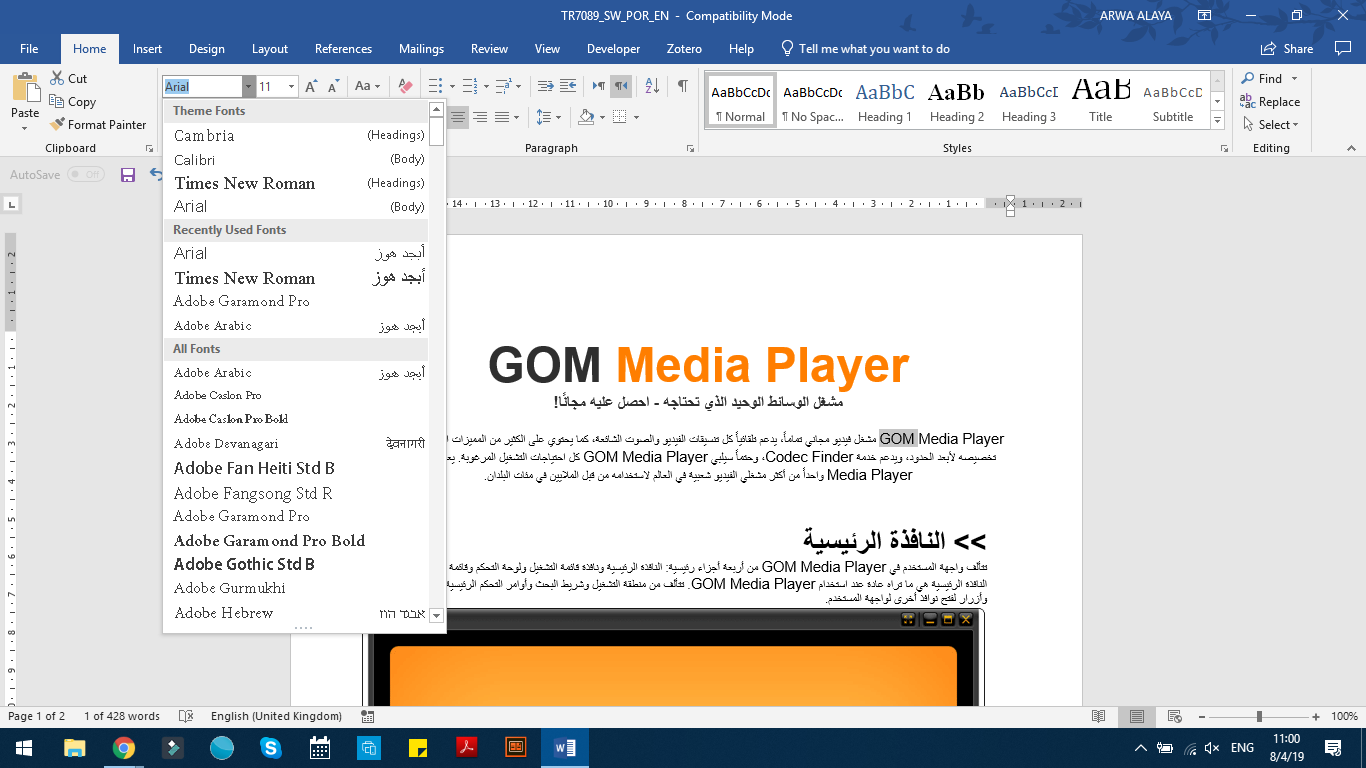
I am working on Trados 2017 translating a Word document from English to Arabic. After I finalized the project, I found that the font size in the target text is smaller (screenshot below). Is it something related to Trados settings? Or the language combination? Or something else?
Luckily the project was small and I was able to fix the font size and layout manually. But in the case of a big project, this will be a problem. I mean Trados should generate the layout and the font correctly.
Also, I had some issues before in another project with the bold parts of the text. When I highlighted the text in the Word document, the Bold button was selected but the text was not in bold.
Any suggestions, please?
Kind regards
Arwa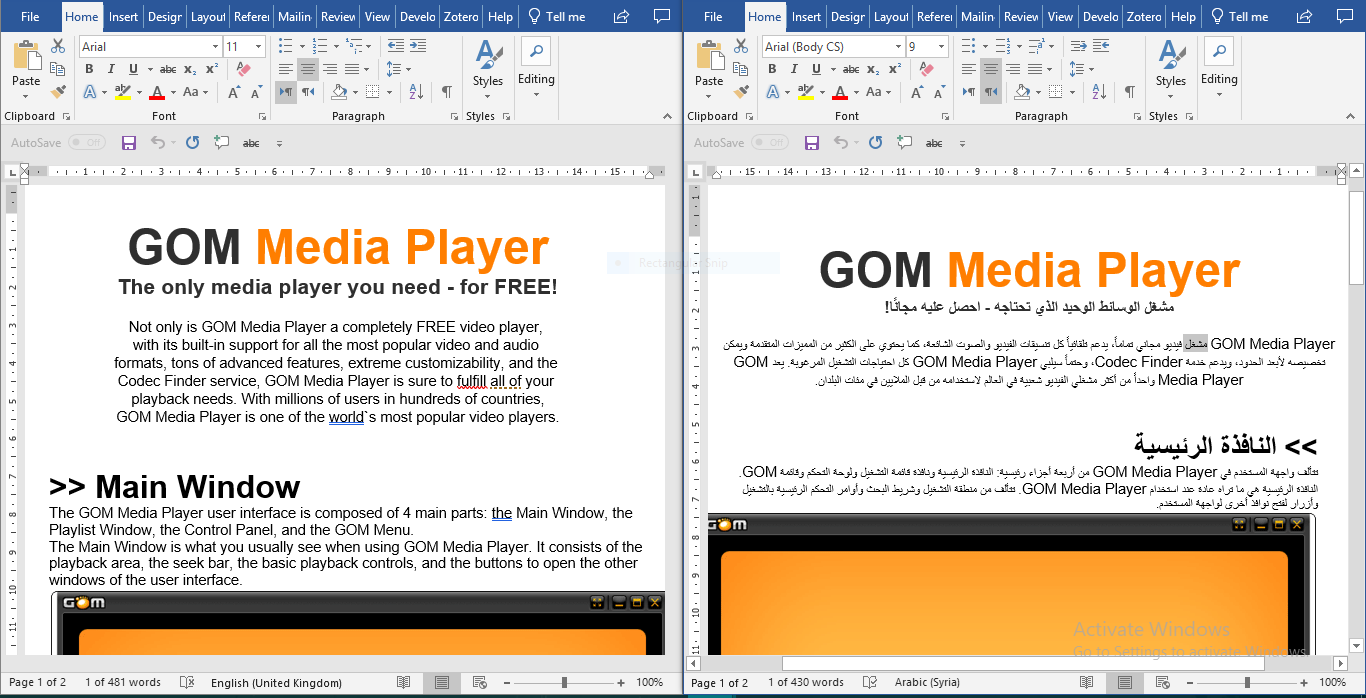
Generated Image Alt-Text
[edited by: Trados AI at 4:09 PM (GMT 0) on 28 Feb 2024]