Translate



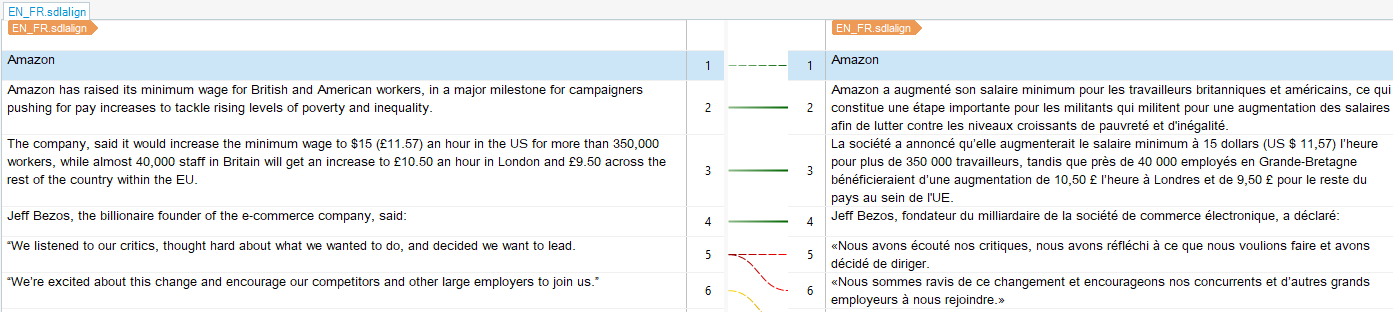
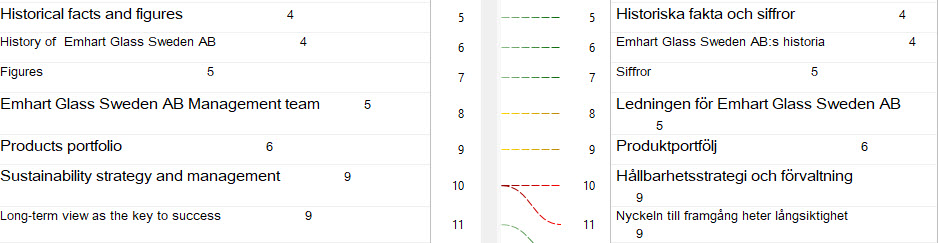
Trying (at last) to explore the alignment functions. There is a new feature in the editor: a number to the right of every source and target segment (se image). I can't figure out what they are for (and the video tutorial doesn't even show them).
Generated Image Alt-Text
[edited by: Trados AI at 3:55 PM (GMT 0) on 28 Feb 2024]