
 Translate



I run SDL Trados Studio 2019 Freelance SR1. I tested the following also with all plugins removed.
I rarely set up my own projects and work mostly with my clients' packages, which is probably why I only recently discovered that the Create New Project wizard shows the following error after I added 1 or more files and click Next to proceed:
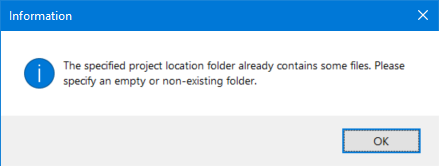
Apparently it complains about the very files and folder it just created itself.
I can get around this by manually deleting the project's source language folder with all files inside (in my case en-GB), click on Next, and then restore it from the bin. (Note that it is not enough to just delete the files. The folder has to go, too.)
It seems the files I add are successfully copied to the project but then the process fails silently and keeps the original files open (they are locked for read/write until I close Studio, ie. I can't open or delete them). I suspect it also fails to tell its caller that everything went just fine.
Has anyone had this or similar?
Generated Image Alt-Text
[edited by: Trados AI at 3:54 PM (GMT 0) on 28 Feb 2024]


