You are currently working on UAT 

Fuzzy matches show only what should be added to segment, not what should be removed

 Hello,

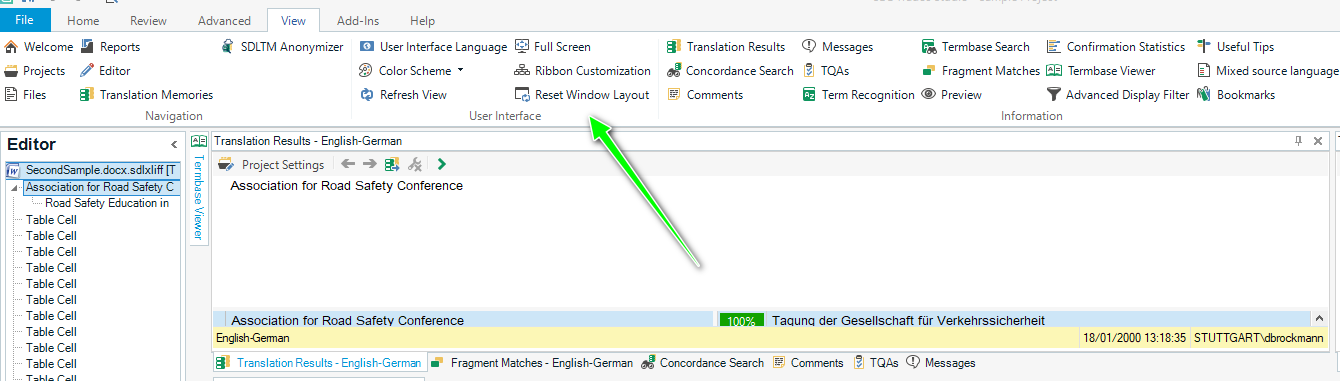
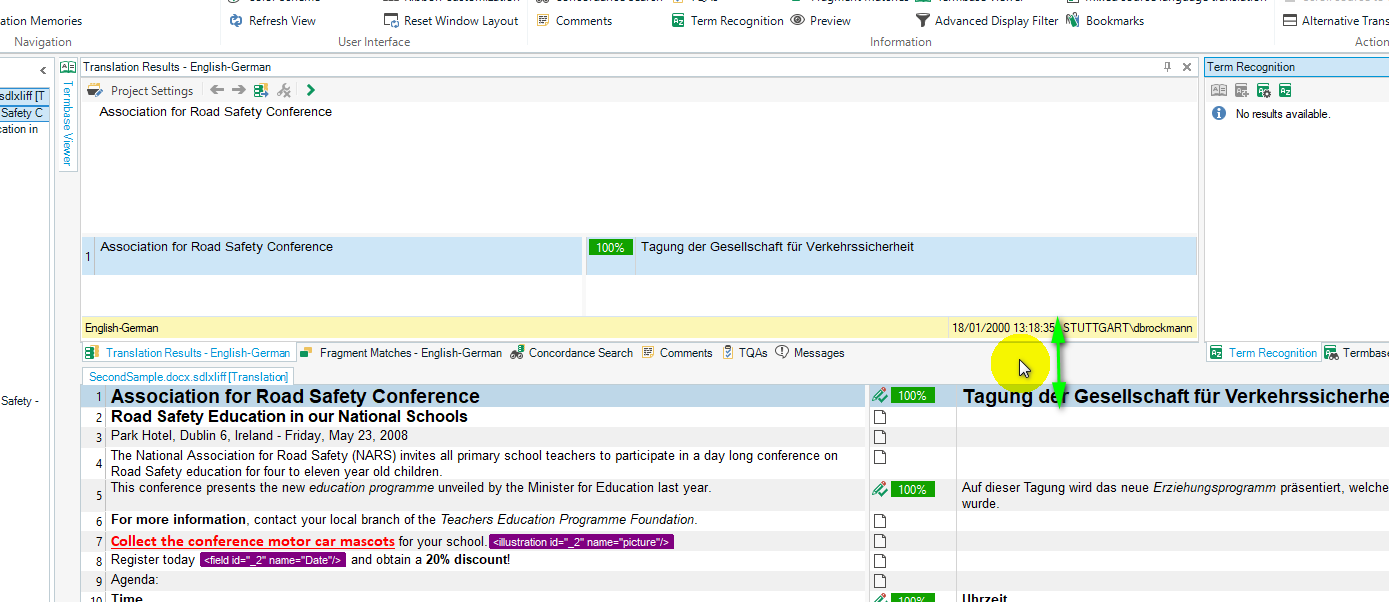
As indicated  above, I can only see what should be added to a segment that is a fuzzy match, but not what should be removed. I have tried "reset window layout" and "alternative window layout" as well as a couple of other settings, but the problem persists. I have SDL Studio 2015. Would be very thankful for advice.

Parents Reply
  • Hi Steven, thanks for your reply. Unfortunately I can't give you a screenshot as I no longer have the project in question, but I'll the describe the issue clearly to you:
    - I have a 75% match, where the difference (that I can see with my bare eye) is that a person's name is different in the proposed fuzzy match and the original.
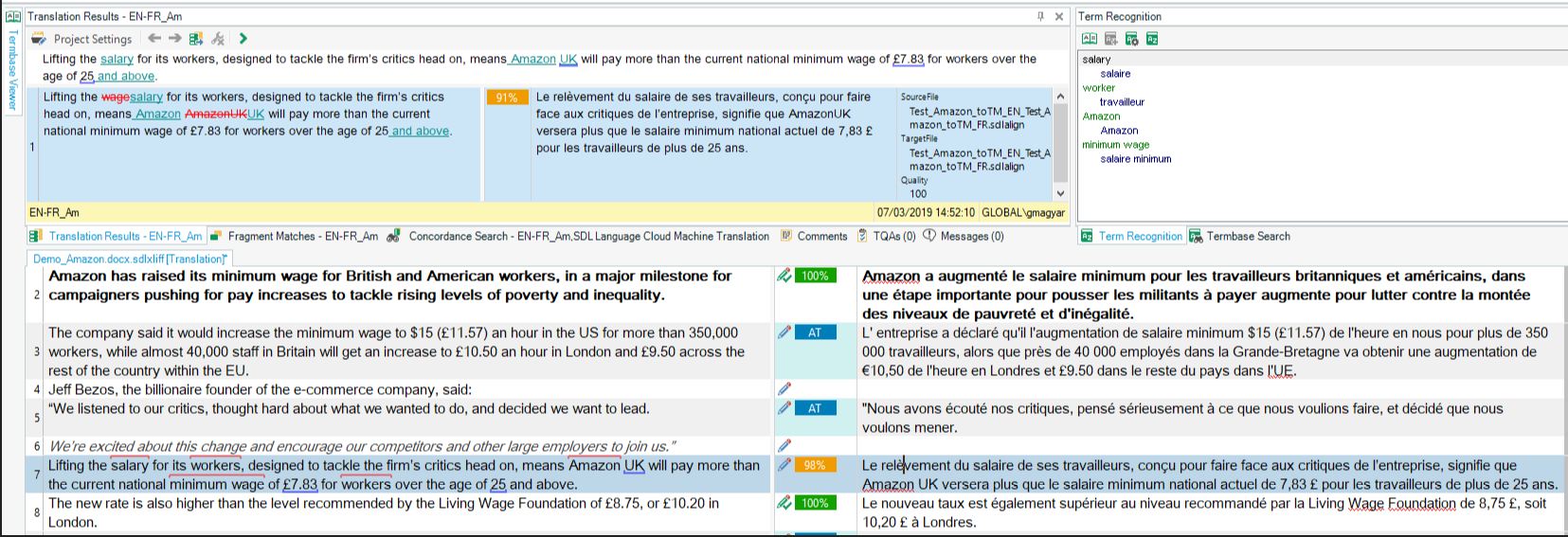
    - In the TM window (what I call the window where the fuzzy matches appear), I see the corrected source text where the correct name (=the 25% missing) is written in blue font and the matching original text (=the 75% that stay intact) remains black.
    - What I DON'T see is the part of the text that is wrong (=the old 25% that are to be replaced with new 25%; this would normally be red).
    I think this explains my issue clearly. Very thankful for your help!!
Children