You are currently working on UAT 

Studio 2019 does not work well with SDLFTSettings files, even after importing the settings file I still get another analysis

 I feel like I am being penalized for upgrading to Studio 2019, maybe it was already the case for Studio 2017 too.


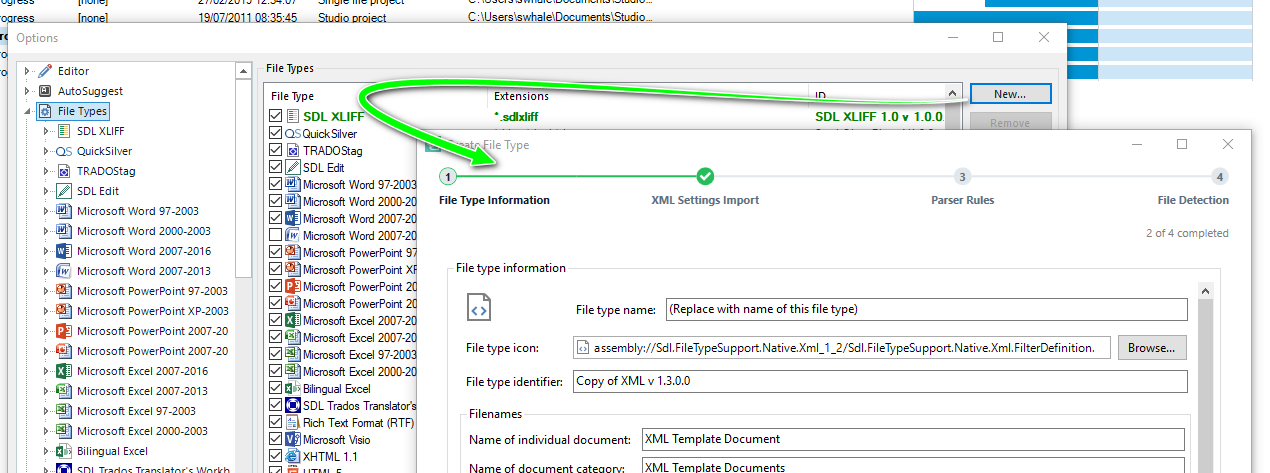
It is about SDLFT Settings file (with client specific settings for XML files).


After adding the sdlftsettings file by Import ... then answering Yes to the question "Do you want to add a new file definition? 


I create a new project as usual but the word analysis of the file that has to be translated is different from the clients'.


If there is no solution for this, I would say it is reasonable to get my license for Trados studio 2015, but keeping the 2019 license.


The way it is now creates huge problems for me.


Any idea?


thanks


Michiel


Parents Reply
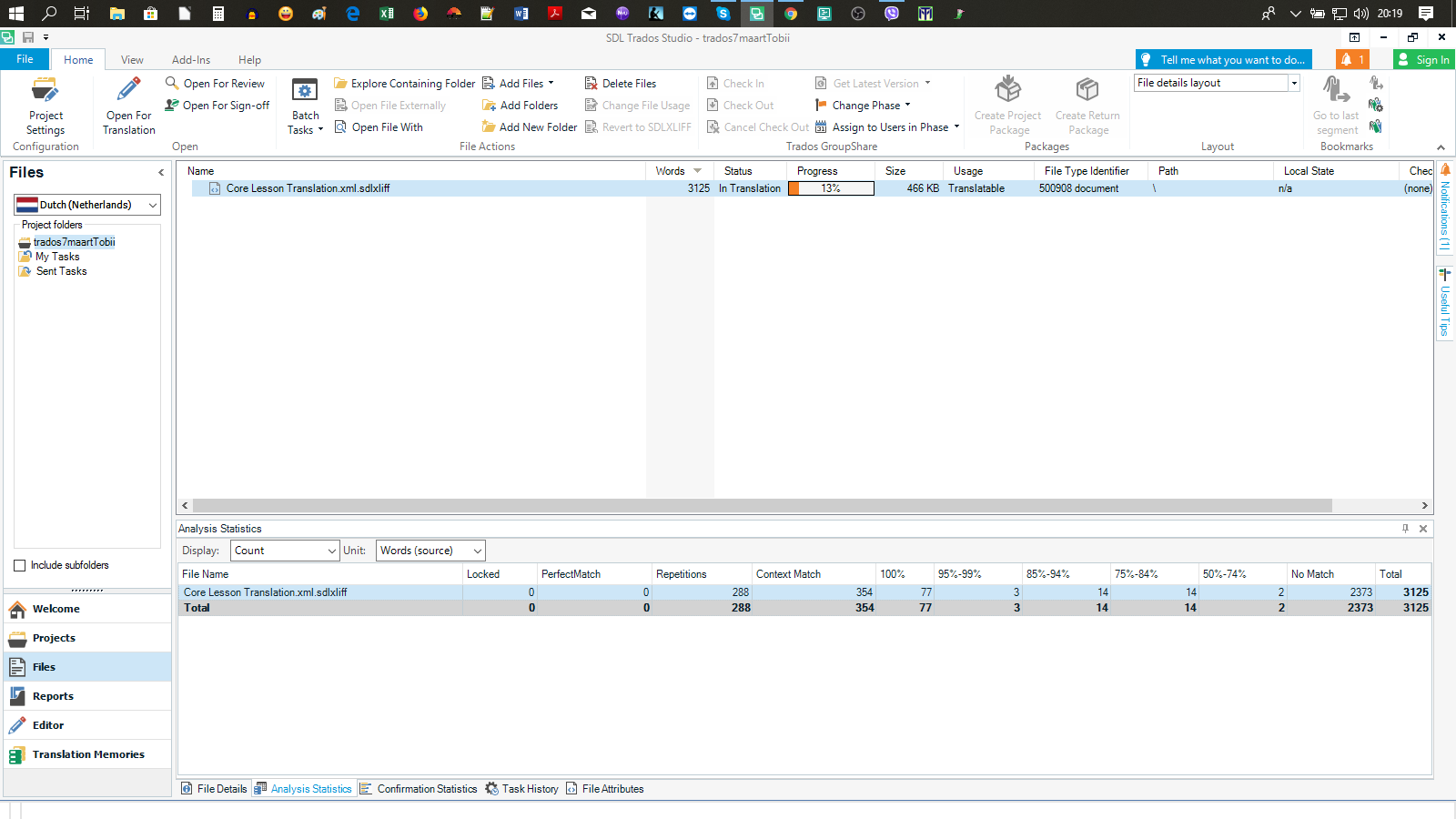
  • Thank you for your anser. The thing that does not work is the analysis of the file, how many words are 100% match etc, I can give you what it should be and what is is when I use the file with Studio 2019. I will also attach the sdlftsettings file. It looks like it is the same problem people have with Studio 2017, still not solved....

    oh I cannot upload the sdlftsettings file here unfortunately , this website does not allow that. better contact by email?


    thank you

    This was the file analysis of the client : En-Nl, 2047 new, 214 fuzzy, 577 100% matches, 287 rep


    this was what I had with studio 2019: (print screen): 


    Screenshot of Trados Studio 2019 showing an empty file analysis report with columns for Total, New, Fuzzy, 100% Matches, and Repetitions.


    emoji


    Generated Image Alt-Text
    [edited by: Trados AI at 3:50 PM (GMT 0) on 28 Feb 2024]
Children