
 Translate



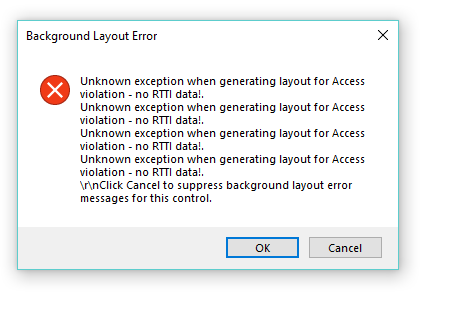
I created a project using a template that I often use. When I opened the two files for translation I got this. No content in the target column, put simply. Any ideas?
This coincides with updating to Studio 2019 SR1 but I don't think it's connected - I created the project both before and after that, and the same glitch occurred both times.
Something I can do to edit the source files? I can't find anything on "RTTI data" or:access violation" in the the knowledge base.
Generated Image Alt-Text
[edited by: Trados AI at 3:30 PM (GMT 0) on 28 Feb 2024]


