Translate



Hi Paul Filkin,
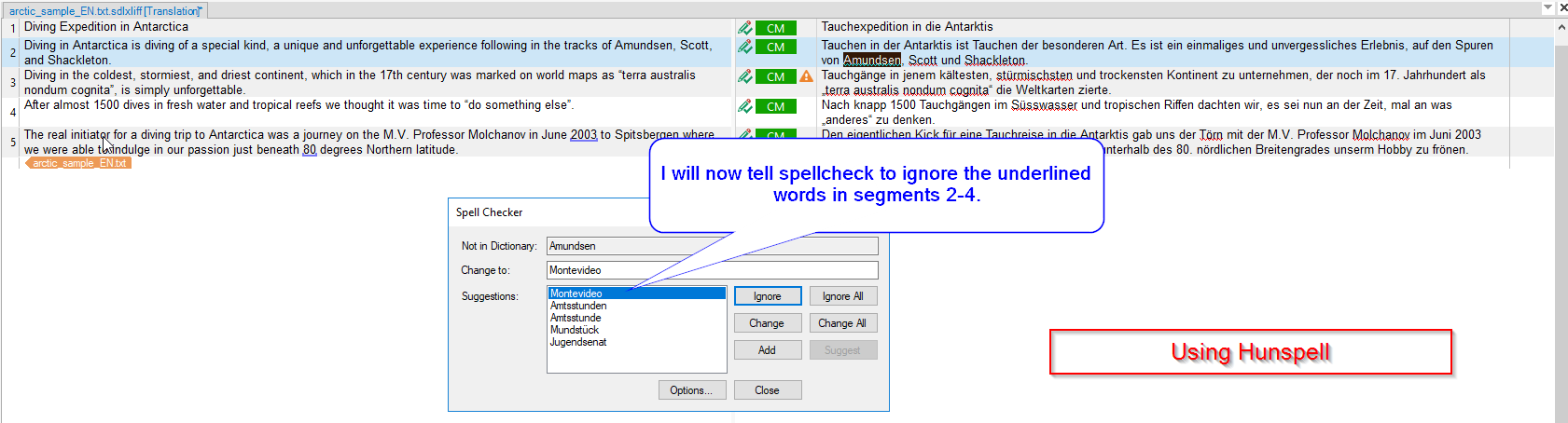
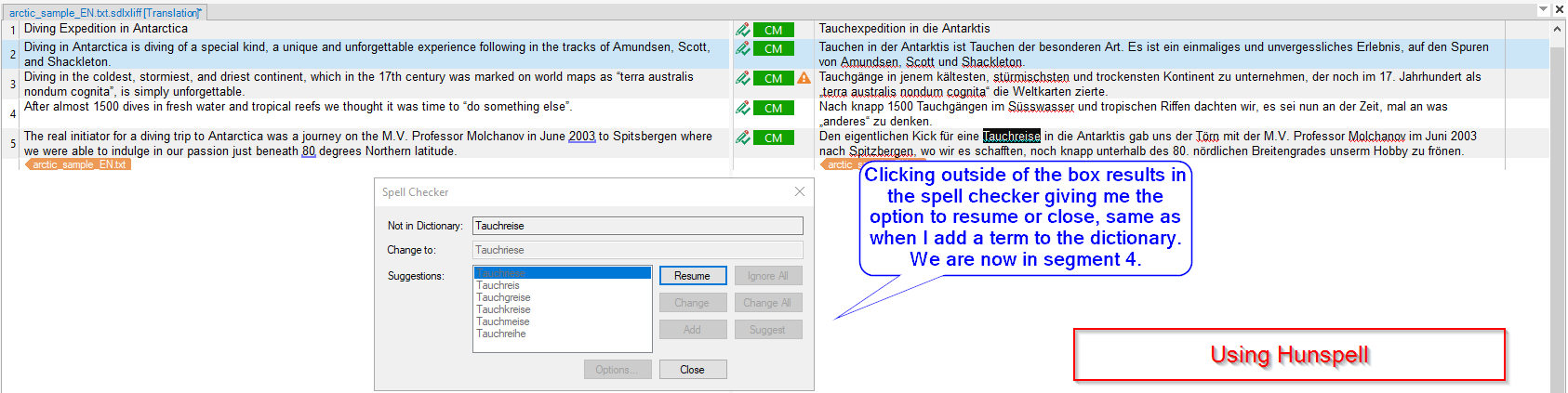
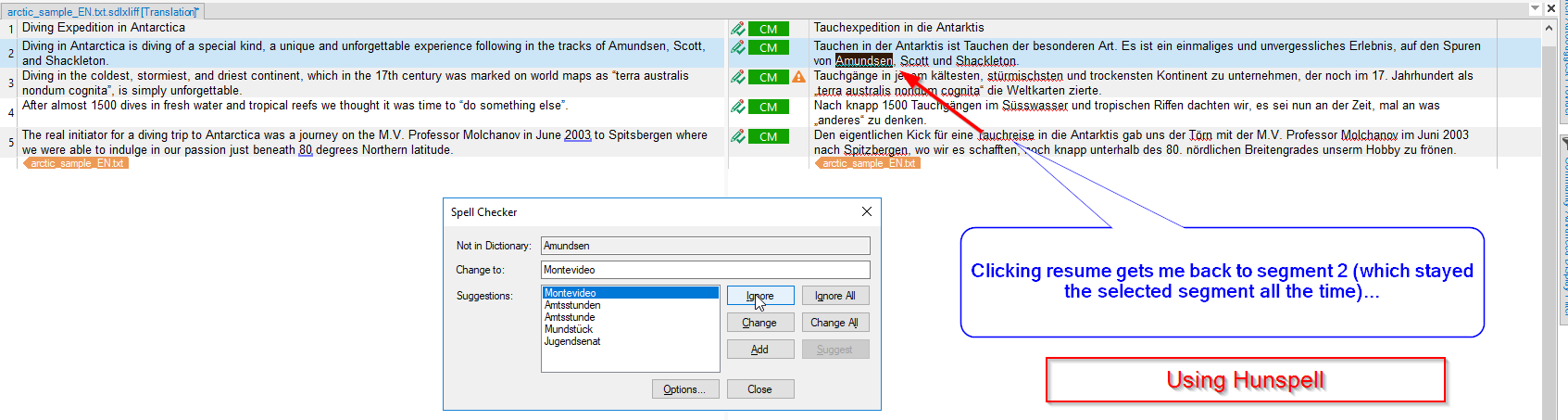
When I use the spellchecker in Studio 2019 SR1 (Word, not Hunspell), it keeps "backtracking". I'll try to explain: As I go through the segments, I will "ignore" some of the spellings flagged up as wrong. Whenever I "add" a word to the dictionary, I have to chose either to "resume" or to "close" the spellchecking. I will normally select "resume". What happens then is that the spellchecker will ask me about all the previously ignored words again!
What I believe is the reason for this behaviour, which I would not call a bug, but surely unintentional, is that the spellchecker always seems to start at the selected segment, but adding a word to the dictionary does not select the segment containing that word. So as the spellchecker "resumes", it does so from the selected segment on, presenting me with all the stuff that I already told it to ignore (once).
I don't know whether it would solve the problem to make the "add" function select the respective segment? What tells the spellchecker that the task is complete? Encountering the selected segement or the end of the document?
Whatever, I wanted to make you aware of this. My workaround is to manually select the segment containing the added word before clicking "resume".
Daniel