Translate



Hi All,
I'm currently performing the PPT part of the "getting started" certification program for Studio 2019.
Studio doesn't recognize the TM I created for the previous MS Word exercise, as it shows it has no defined language pair in the TM's setting.
The TM does open in Studio's TM display (attached).
Hope someone could assist, I wouldn't want to keep opening TMs for no reason )-:
Thanks!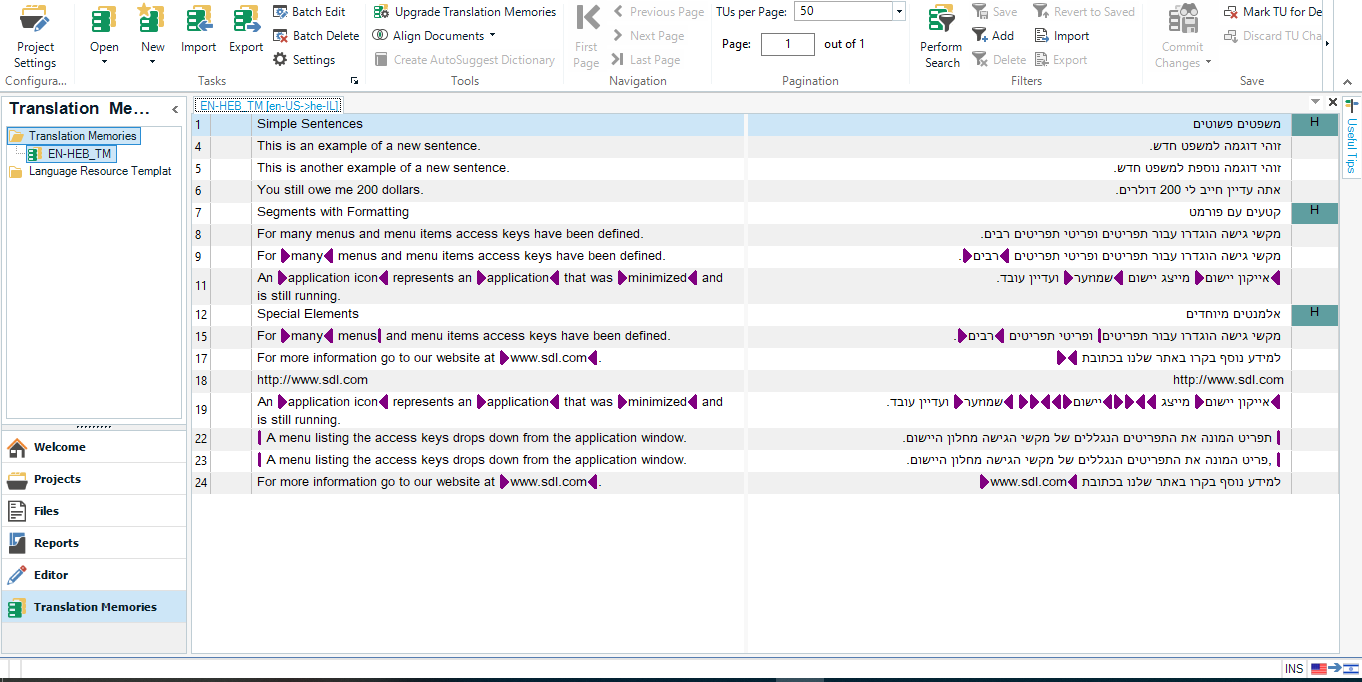
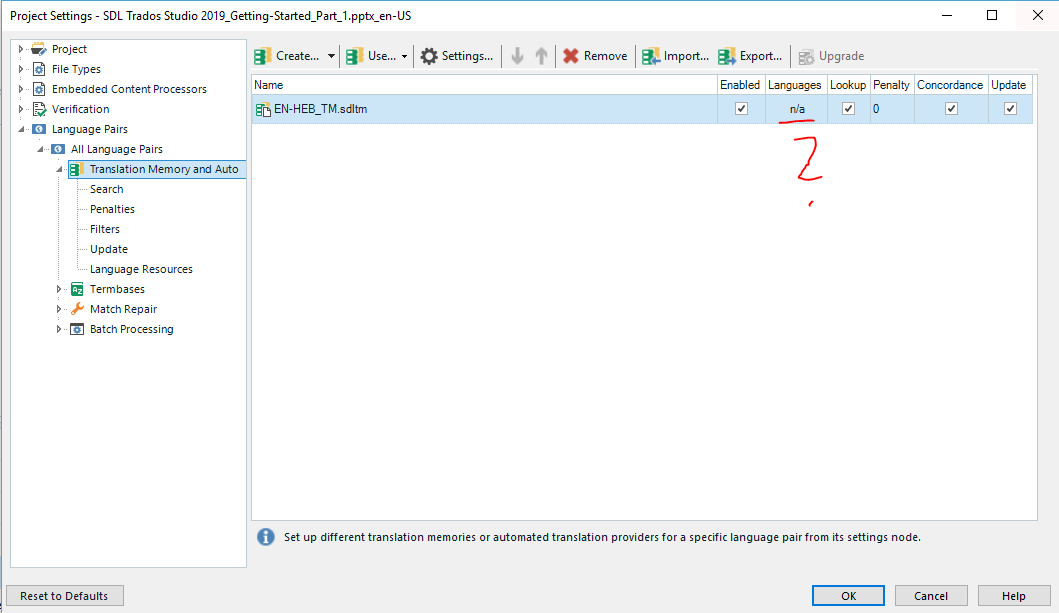
*note: The training program is designed to be EN-DE, my TM is EN-HEB.
Generated Image Alt-Text
[edited by: Trados AI at 3:22 PM (GMT 0) on 28 Feb 2024]