

You are currently working on UAT 

Possible bug: Right-clicking misspelled words when Center Active Row is enabled

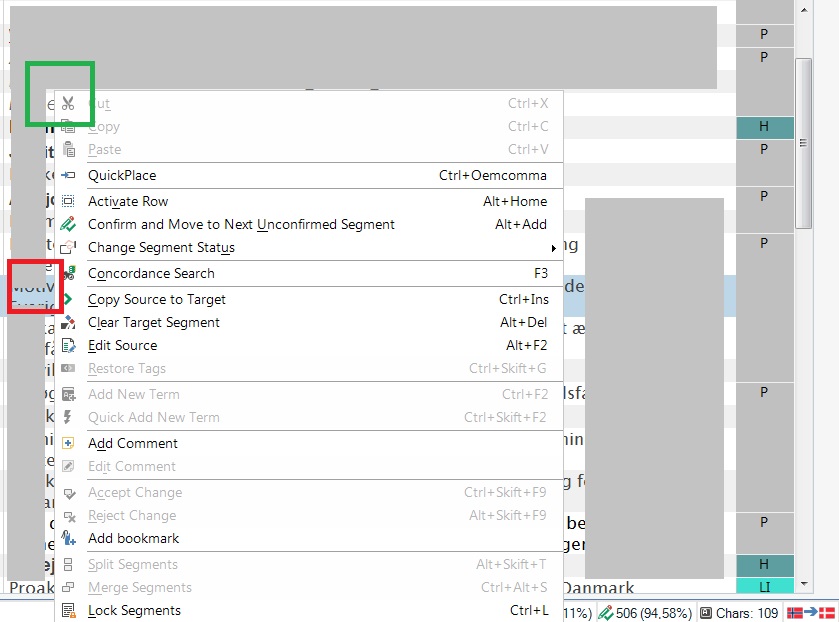
I think there is a bug in how Studio 2019 behaves if you right-click a word marked as misspelled when Center Active Row is enabled in Options > Editor, and the word you right-click is NOT currently centered. To reproduce: Have Center Active Row enabled. Open a document for translation. Write some text, some of which is misspelled. Make sure the segment is NOT centered (scroll the document with the mouse to place the segment at the top or bottom of the screen). Right-click a word marked as misspelled. On my PC, this causes the segment with the misspelled word to "jump" to the center position, and the general right-click menu to show, not the spell-check right-click menu.

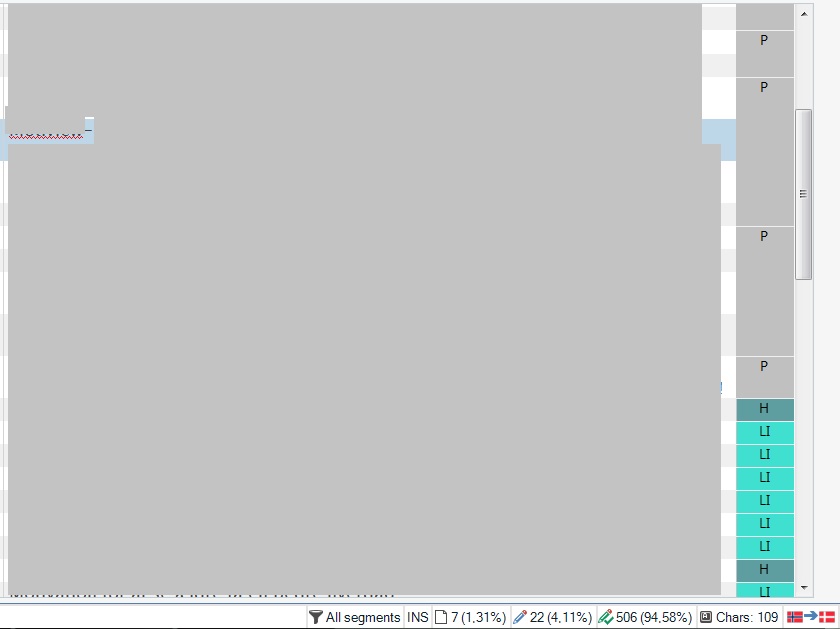
In the first screendump you see a misspelled word in a segment which is not centered. In the second screendump, I have just right-clicked the misspelled word. This has caused the segment with the misspelled word to "jump" to the center position (in this case, to jump from the upper part of the editor (the green rectangle) to the center (the red rectangle)). At the same time, the right-click menu that opens is not the spell-check right-click menu as expected, but the general right-click menu.
Expected behavior: The spell-check right-click menu should open, and the segment should not jump to center position in this case, but only when you confirm segments.

Parents
  • Hello,

    Thank you for bringing this to our attention.

    Engineering is now aware of this behavior, which is tracked internally (as a defect) under number CRQ-13432. Customers who own a Support Contract, can track the status of defects from their Support Portal. Our users who do not own a Support Contract can find out more about defect statuses by raising Support Cases via this web-form: https://gateway.sdl.com/webtocase or if a post is created here (Paul, please correct me if I'm wrong).

    I also have a small remark to make over here (Paul also brought it up in one of his previous posts): the "Center active row" option causes a row to be placed in the center of the Editor when it's activated (selected). Right-clicking a word in any particular segment, "activates" that segment, hence it will move to the center of the Editor.

    Thank you,

    Vlad Bondor | Customer Support Manager | SDL

    Vlad Bondor | Senior Technical Support Manager | RWS

Reply
  • Hello,

    Thank you for bringing this to our attention.

    Engineering is now aware of this behavior, which is tracked internally (as a defect) under number CRQ-13432. Customers who own a Support Contract, can track the status of defects from their Support Portal. Our users who do not own a Support Contract can find out more about defect statuses by raising Support Cases via this web-form: https://gateway.sdl.com/webtocase or if a post is created here (Paul, please correct me if I'm wrong).

    I also have a small remark to make over here (Paul also brought it up in one of his previous posts): the "Center active row" option causes a row to be placed in the center of the Editor when it's activated (selected). Right-clicking a word in any particular segment, "activates" that segment, hence it will move to the center of the Editor.

    Thank you,

    Vlad Bondor | Customer Support Manager | SDL

    Vlad Bondor | Senior Technical Support Manager | RWS

Children
No Data