
 Translate



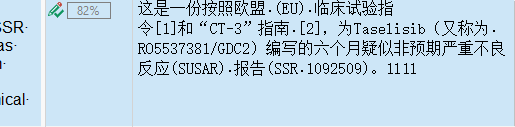
The above is actually "1l1l" not "1111", you can try this. And there is no way to change the font as mentioned here: https://community.sdl.com/product-groups/translationproductivity/f/90/t/20165#pi6614filter=all&pi6614scroll=false
Generated Image Alt-Text
[edited by: Trados AI at 3:10 PM (GMT 0) on 28 Feb 2024]



