Translate



Dear colleagues,
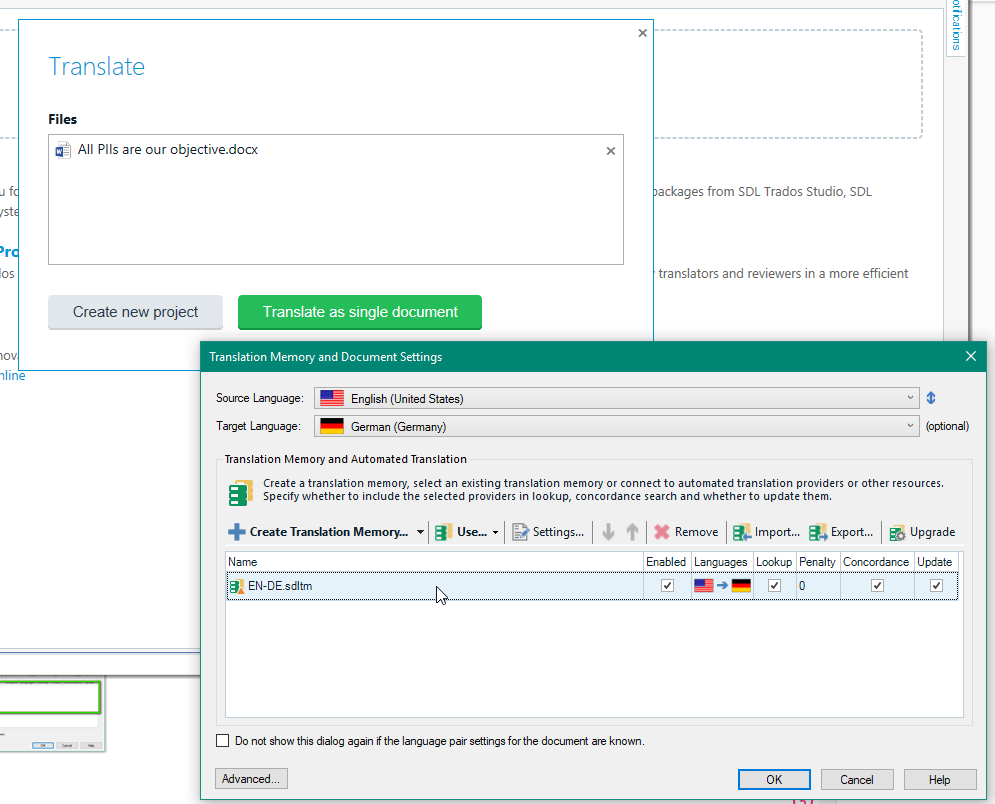
I am an SDL Trados Studio Freelance 2017 user and I am seeking help to fix a problem with the translation memories uploaded for a “single document” translation.
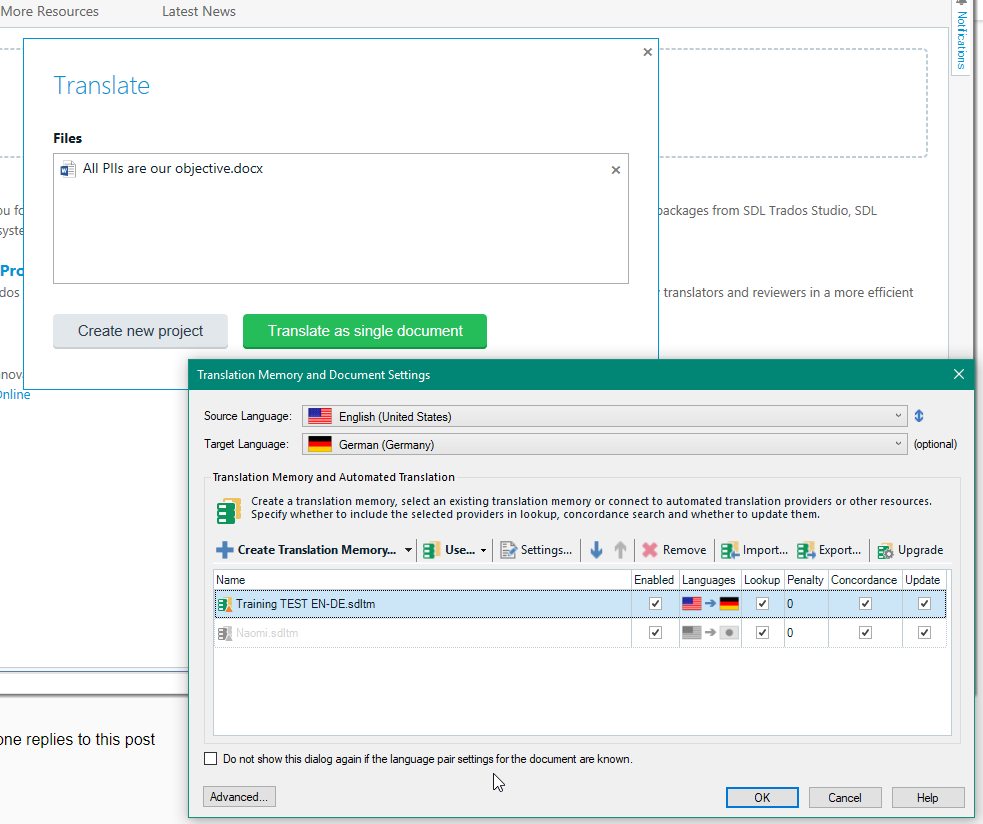
1) In fact, since a few weeks ago, each time now that I click on “translate single document”, a box pops up with the message “The translation provider ANY TM: XXYYZZ could not be open and has been disabled”. When I click on the “X” to close the box, several other messages concerning other TMs pop up as well and I have to close them all one by one, and there are MANY of these popup messages.
Could you please help me solve this issue so these messages stop appearing? This is very disturbing when translating because it takes a lot of time every time that I want to open a single document for translation or want to change the TM(s) settings within a specific project that I am working on, since before being able to access the TMs setting view all these messages appear and I have to close them one by one.
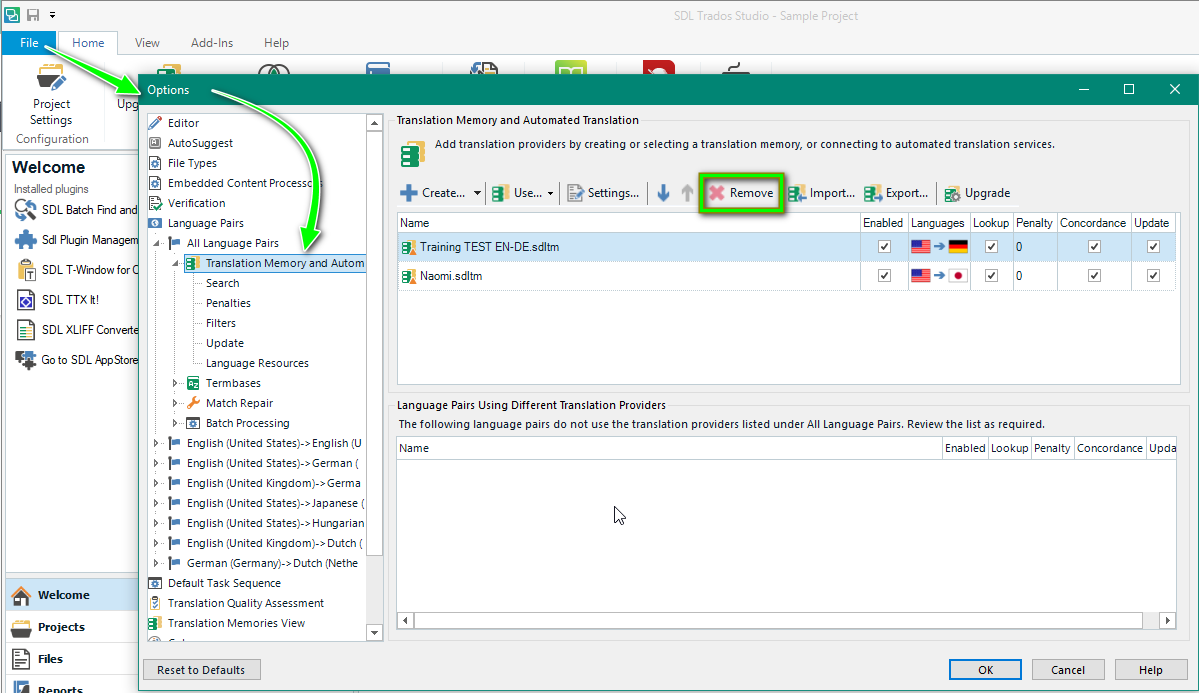
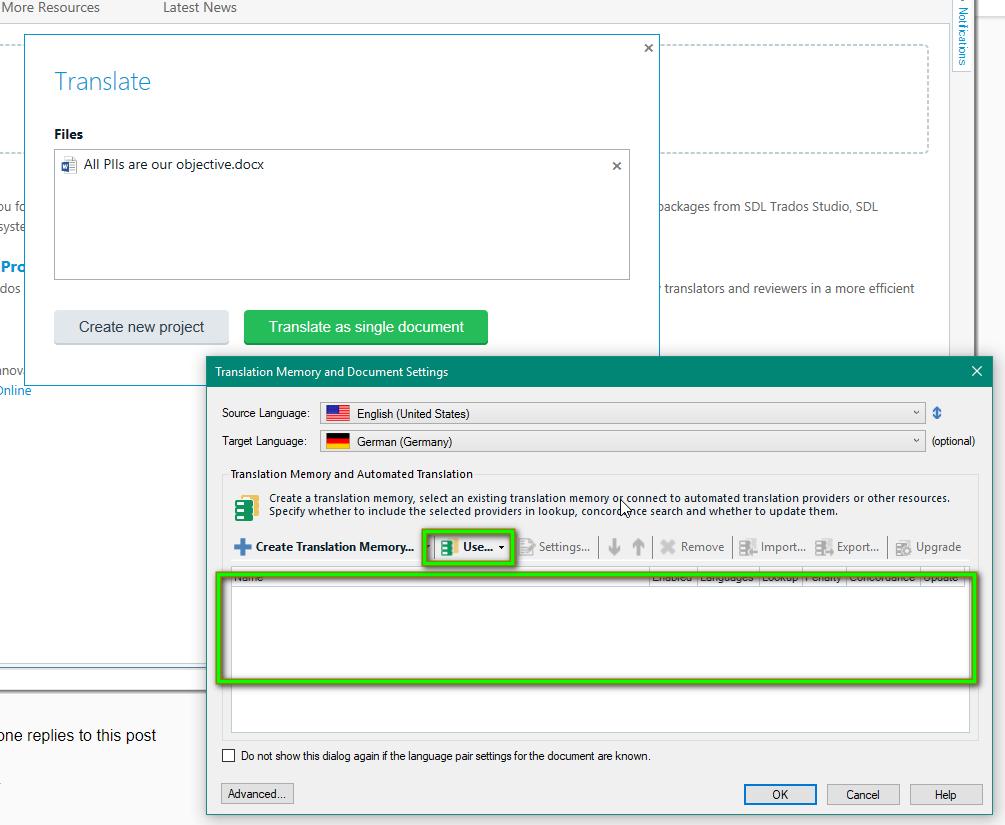
2) Another issue that I would like to solve is the next: why when I translate single documents and charge TMs and TMXs into the project, these are remembered by the machine? The thing is that I have translated many single documents already and, as a result, in the TM settings view there is a huge list of TMs and I get confused with all of them so I would like to charge them independently each time and that they are NOT remembered afterwards. In other words, I would like to be able to access the settings TM view and visualize ONLY the TMs charged for the working project and not all of the TMs previously used.
Thank you very much for your help and comprehension.
Diana
You are currently working on UAT

RWS Community