
 Translate



I believe this problem is to be addressed directly by the Studio 2019 developers/programmers. Only they will understand this computerese language and know what to do.
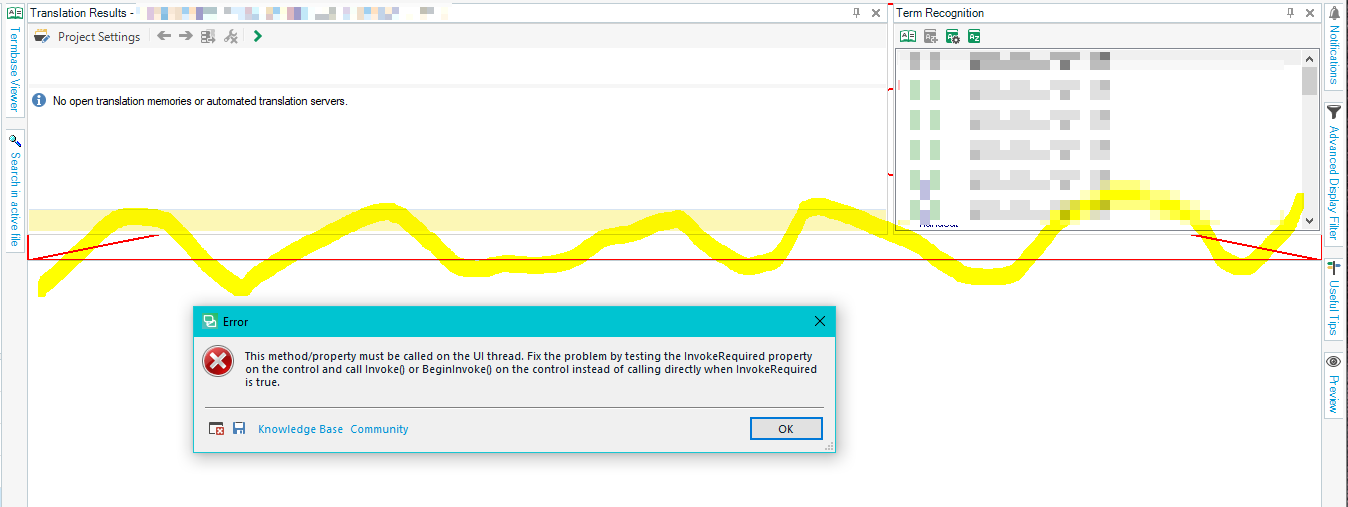
What was I doing when it happened? I just deactivated one of my termbases in my project. Next thing the interface got screwed up (see those red lines? the yellow line is mine and I also pixelated my private content). Then, I close my document and next thing, I got that cryptic message. Thanks.
P.S. I'm running SDL Trados Studio 2019 SR1.
Generated Image Alt-Text
[edited by: Trados AI at 3:13 PM (GMT 0) on 28 Feb 2024]


