
 Translate



Hello Everyone,
Translator need Document Structure Information to differentiate the element while translating the content.
But when we implemented Length Restriction to the filter settings, then the prepared file (SDLXLIFF) only display the length check document structure information on the right side (Below screenshot for reference).
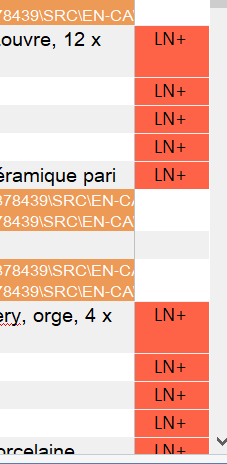
The other value still shows up when we click on it. But translator wouldn't prefer to click on it for each and every segment translation.
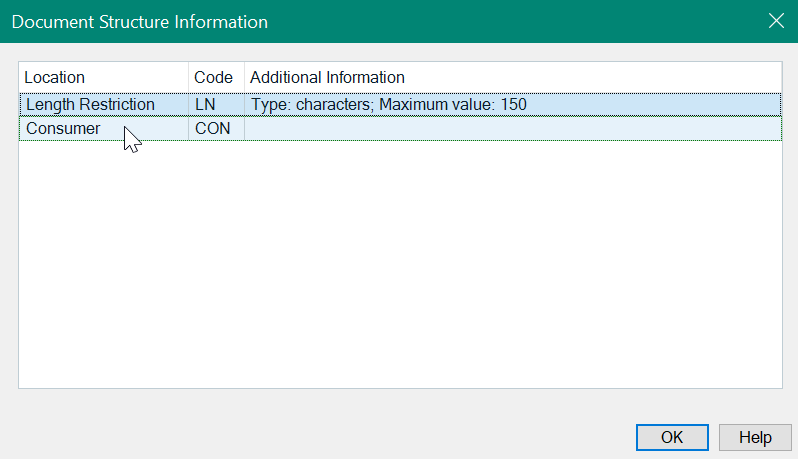
Is there any possibility to prioritize the element for display in Studio Editor? length restriction color coding is not needed while translation, it will eventually fail while run QA checks after translation.
Thanks in Advance!
Regards,
Arjun
Generated Image Alt-Text
[edited by: Trados AI at 2:57 PM (GMT 0) on 28 Feb 2024]

