You are currently working on UAT 

Problem after an update

Hi,

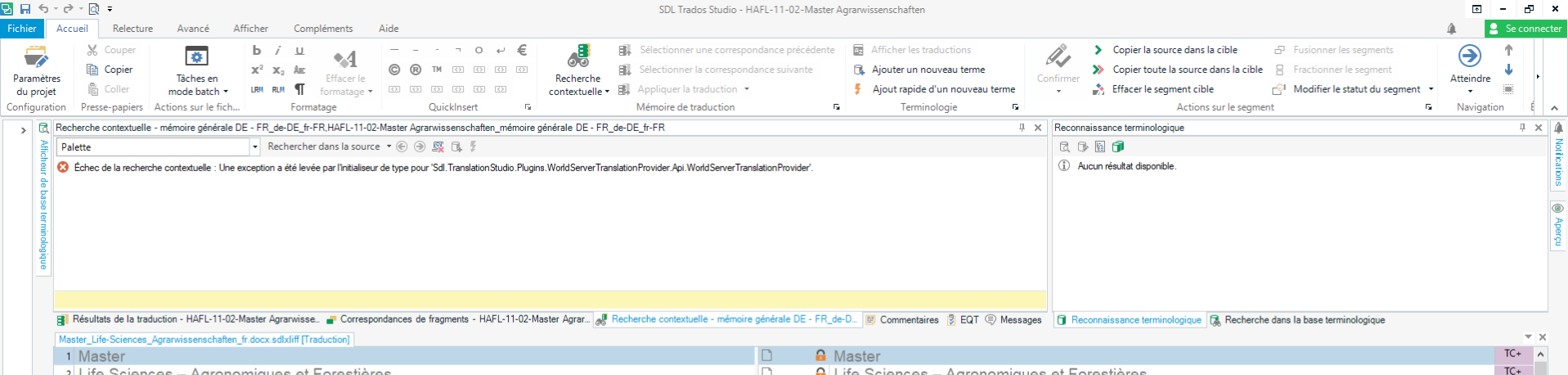
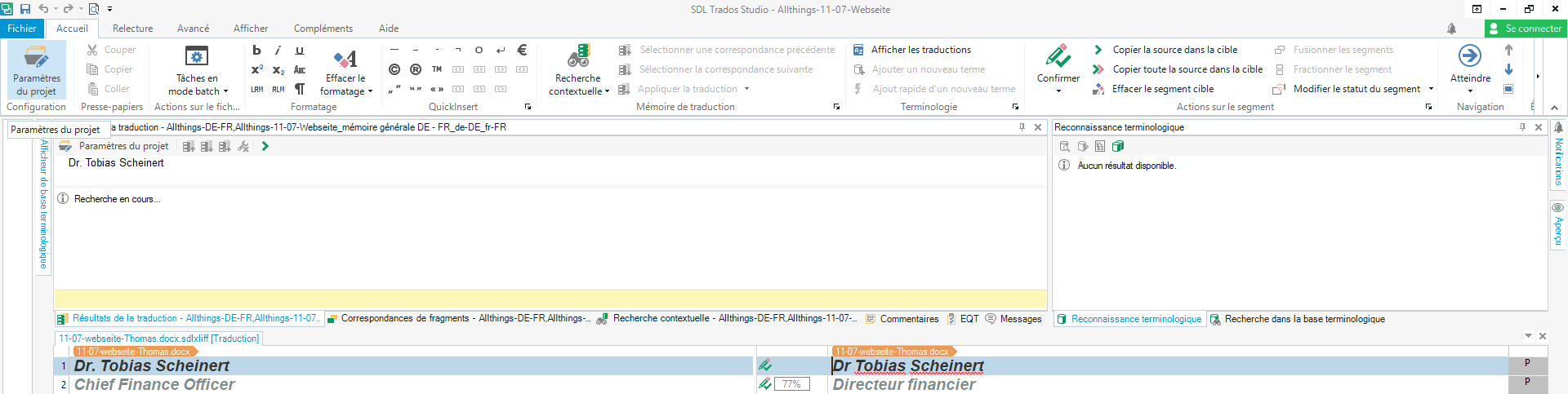
After installing the update of SDL Studio 2017 SR 1 this morning (I now have the following version: SDL Studio 2017 SR 114.1.10014.38031), the concordance search (F3) doesn’t work any more (an error message is displayed) and the content of the TM is not displayed (the corresponding window just displays "searching").
What can I do to solve these annoying issues?

Thank you for your help!

Parents Reply
  • Hi Nicole,

    I am not sure if my solution is the best and it is certainly not the easiest one, but I finally solved the problem.

    As none of the community suggestion worked, I decided to uninstall Studio. I had 2015 and 2017 on my computer and I uninstall both.

    Then I installed again 2017 but I had following error message “An error occurred and the program was aborted. You can try to running the program again but if the same problem repeats, please generate a debug log (usually found in the logs subdirectotry of the application data directory) and contact technical support.UnauthorizedAccessException
    Tentative d’exécution d’une opération non autorisée.”

    I send a request to the SDL Support but as they announce a response within 2 working days I tried to find a solution by myself.

    Finally, I installed again Studio 2015 (it worked fine), then after restarting my computer I could finally install Studio 2017 successfully.

    And... the concordance search and display TM problems have disappeared.


    Hope it helps!

Children