You are currently working on UAT 

Studio 2019 SP 1 offers a 100% match only after it is saved for a third time

We have noticed that Studio 2019 (also with SP1 installed) does not show a 100% match after it is saved in the TM for the first time. Instead an old 80% match is displayed.

In the sample below (shows microscopic, but I do not seem to be able to change it) segment 622 is exactly same with segment 627, but the TM offers the 80% match instead of the 100% match which was saved with segments 622.

Screenshot of Trados Studio showing segment 622 with a 100% match saved in the TM, highlighted in green.


Generated Image Alt-Text
[edited by: Trados AI at 2:59 PM (GMT 0) on 28 Feb 2024]

emoji
Parents Reply
  • Hello Daniel,

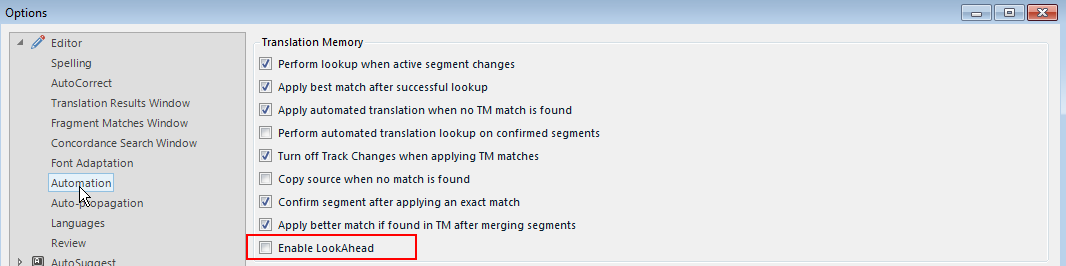
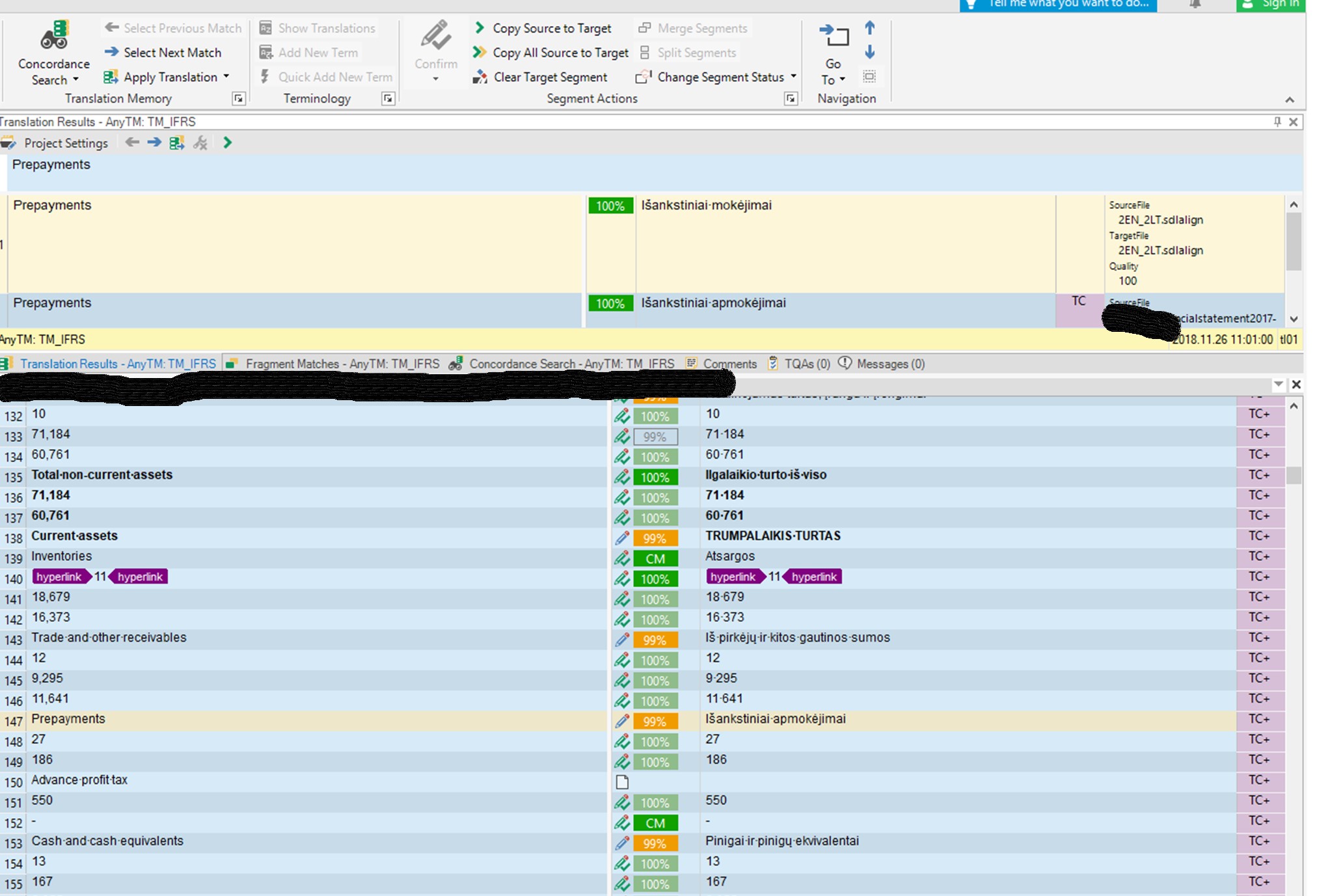
    I have a similar problem to this. I was searching the forums back and forth all day, tried a variety of problem suggestion solutions but nothing seems to work. My TM has a couple of entries (they don't differ or differ by capital letters), TM results indicate them as 100% matches but in the editor I usually get only 99% - I don't see there any differences, even spaces are the same. As you can see, it's not a single instance and I must say this occurs in other projects too. First, LookAhead option was enabled, then I disabled it, tried creating a new project. Multiple translations penalty is set to 0, but still no success. What do I overlook here? What other setting is necessary?Trados Studio screenshot showing the Translation Memory view with multiple entries highlighted, some with 100% match and others with 99% match, despite no visible differences.

    emoji


    Generated Image Alt-Text
    [edited by: Trados AI at 2:59 PM (GMT 0) on 28 Feb 2024]
Children