You are currently working on UAT 

Error message for trying to find a deleted TM despite having removed it as a setting

Hello,

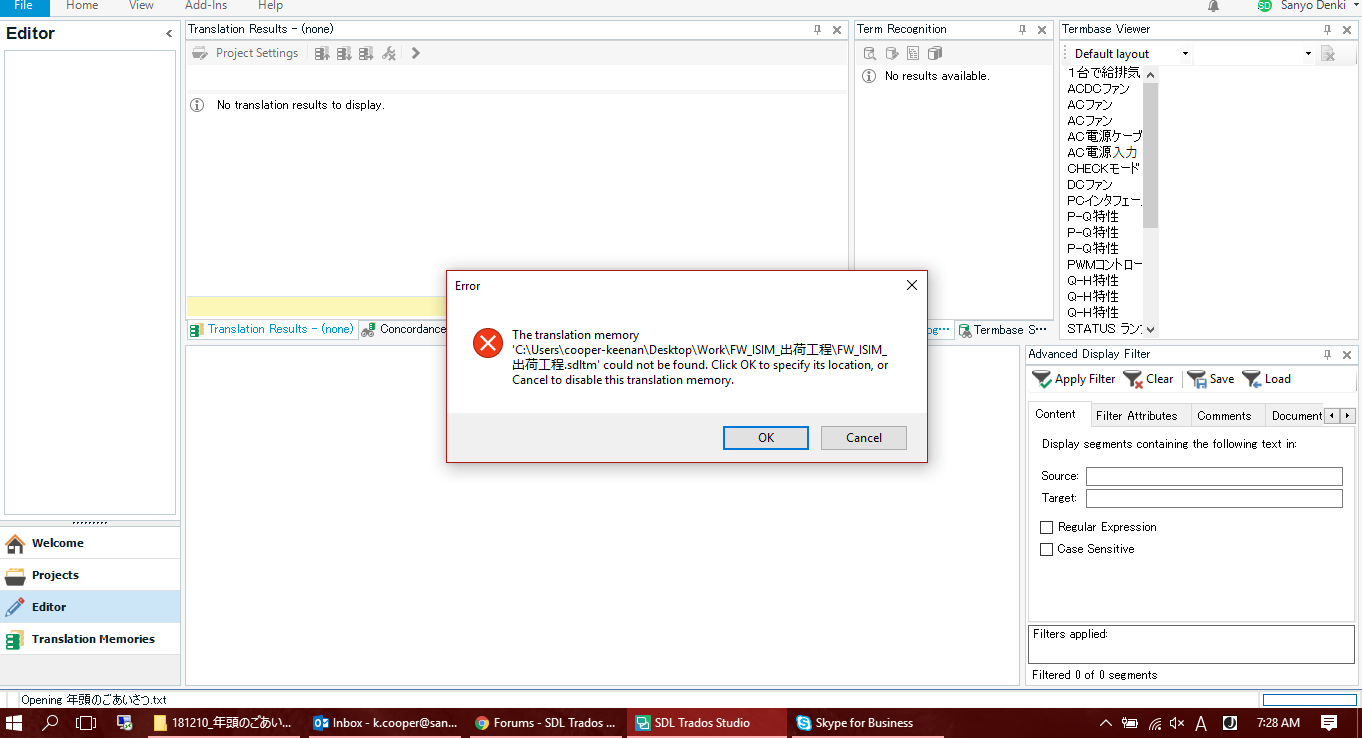
Another co-worker and I are having the same problem so thought it'd be worth figuring out. I get an error when I open an xliff file directly (to review it):
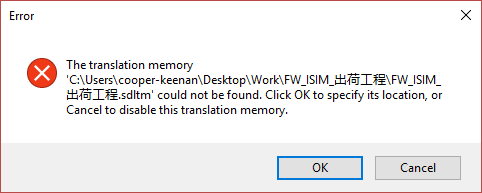
Error dialog box in Trados Studio stating 'The translation memory C:Users(cooper-keenan)DesktopWork_FW_ISIM...sdltm' could not be found with options to OK or Cancel.

I just hit cancel and move on. But it shouldn't be looking for that TM because I thought I'd removed it from all my TM settings. I've removed it from my default "Options" settings as well as any project templates. Here's what my options view looks like:
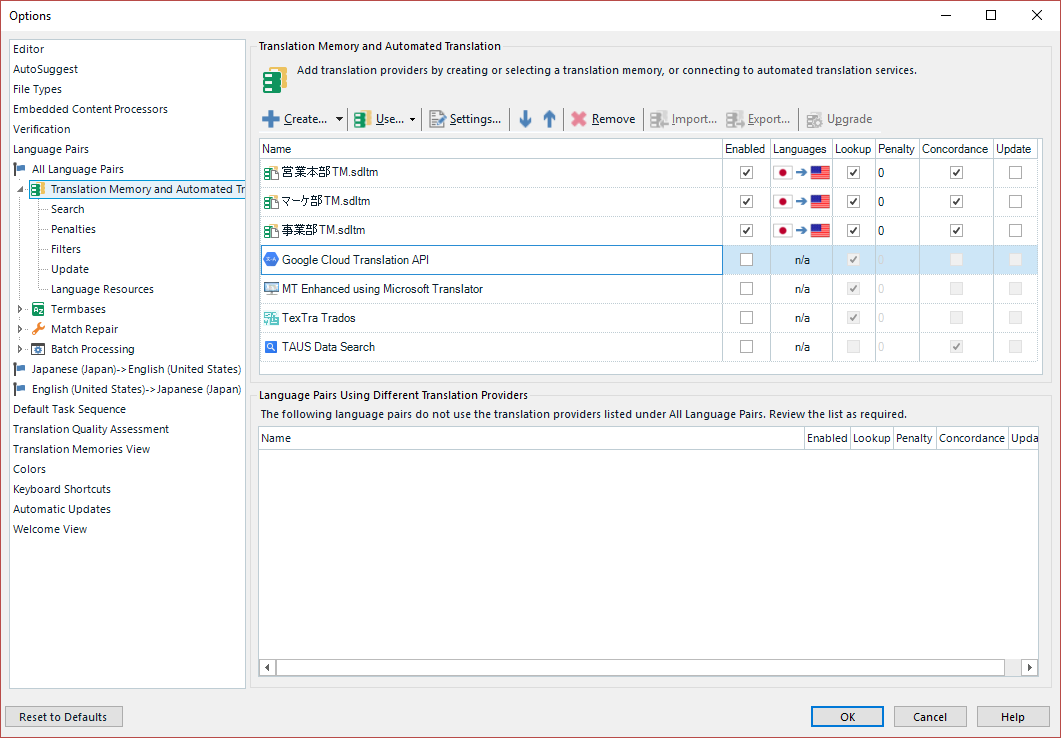
Trados Studio Options window showing Translation Memory and Automated Translation settings with no sign of the missing translation memory.

Individual language pairs show no sign of it either.

This error also came up in the FINAL stage of creating a project after doing the batch tasks--way after the TM settings had been confirmed.Error message during the final stage of creating a project in Trados Studio indicating the same missing translation memory with options to OK or Cancel.
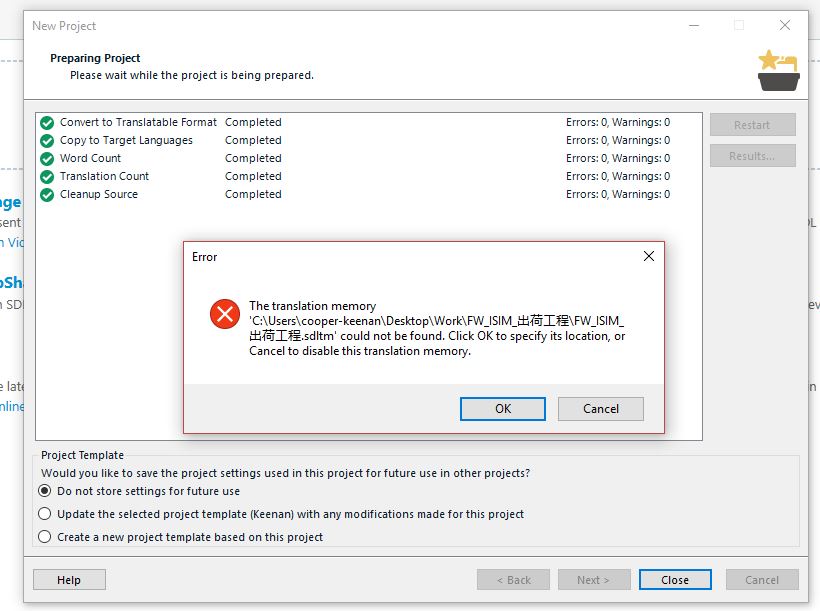
 

Any ideas? 

Thank you.


Generated Image Alt-Text
[edited by: Trados AI at 2:50 PM (GMT 0) on 28 Feb 2024]

emoji
Parents
  • Hello Keenan Cooper (キーナンクーパー) ,

    Just trying to narrow down where the problem lies here- and sorry if i'm asking the obvious.

    Is the xliff a standalone file or-part of a project?
    You mention that you have removed the TM from Options settings- have you also checked the Global settings option?
    If you remove the project/file from Studio completely and re-create with a slightly different name- does the issue persist?

    Oana Nagy | QA Engineer | RWS Group

  • Steven,

    Is the xliff a standalone file or part of a project?
    ---Both. Opening a standalone file immediately shows that error. Then, at the end of creating any new project, it appears after the batch tasks are done.

    Options settings- have you also checked the Global settings option?
    ---Unclear. As I said and shown, I've changed the default File-->Options setting and all relevant project settings. If there's a 3rd place for settings then I don't know about it.

    If you remove the project/file from Studio completely and re-create with a slightly different name- does the issue persist? 
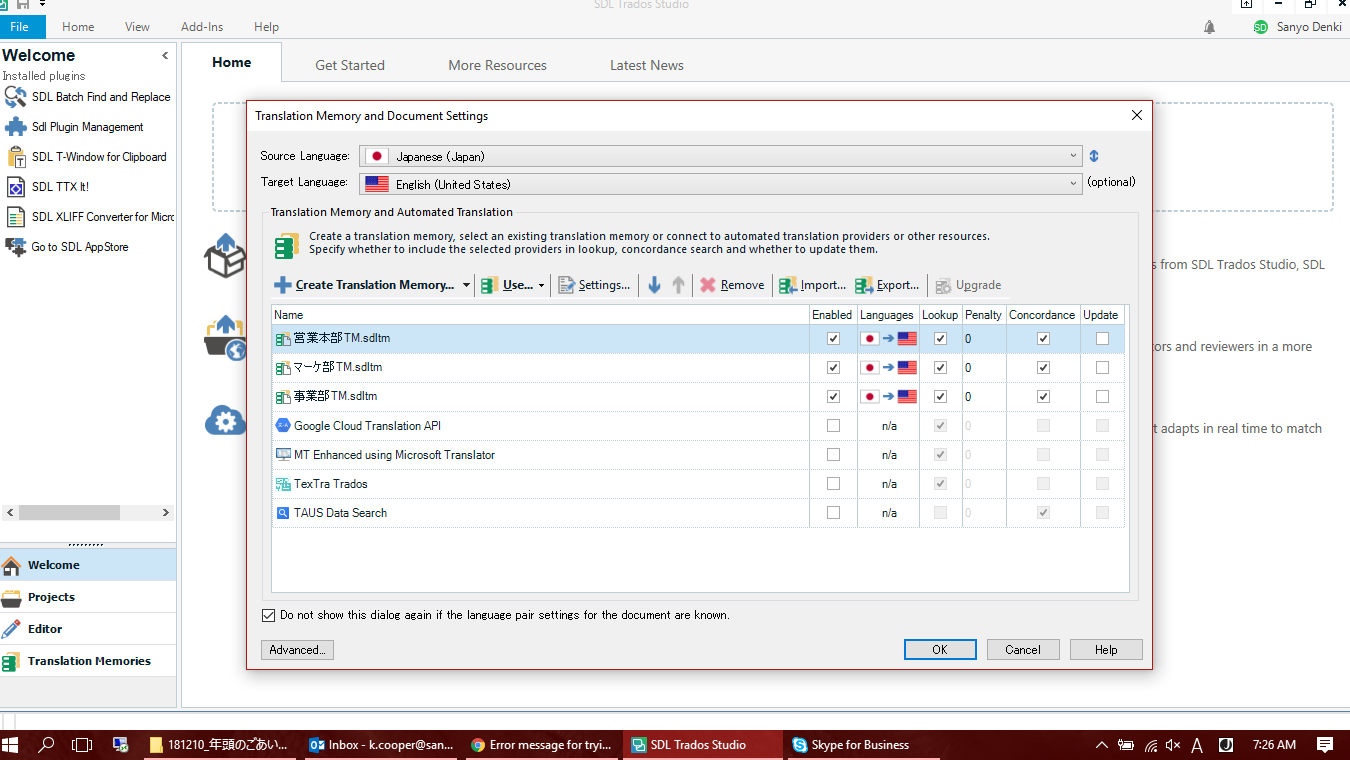
    ---It's not any one particular file. It's all new files--standalones or new projects-- regardless of the naming. I did this "FW_ISIM" project two months ago and since then the TM setting refuses to leave. I just tried creating a new project as a single document. Same error AFTER I confirm the project settings. I have my 3 main TMs here (none have "FW_ISIM" in them:

    Trados Studio project settings window showing Translation Memory and Automated Translation tab with a list of translation memories and an error icon next to 'FW_ISIM' memory.

    Then I click okay. The error shows up. I ignore it always, then click Cancel. This same error shows up on a TM member's computer and I've done my best to help her remotely but I can't solve the problem either.

    Error message in Trados Studio stating 'Cannot find translation memory with id 0 in the list of available translation memories.' with an OK and Cancel button.

    Should I ask technical support? I'm hoping the "answer" isn't just a reset which I've had to do too many times...

    emoji


    Generated Image Alt-Text
    [edited by: Trados AI at 2:50 PM (GMT 0) on 28 Feb 2024]
  • Keenan Cooper said:
    Should I ask technical support?

    Yes.  Better than guessing and if you have removed all references from your projects and default template then it makes sense to ask support.

    One thing you ight like to try is rename the projects.xml and add the projects back in again one at a time starting with the problematic one.  If it doesn't work after the problem project is back just put the original projects.xml back and contact support.

    Paul Filkin | RWS

    Design your own training!
    You've done the courses and still need to go a little further, or still not clear? 
    Tell us what you need in our Community Solutions Hub

Reply Children
No Data