

You are currently working on UAT 

Issue with opening a project package - Trados Studio 2019 Starter

Hello,

I received a project package from my client and when I try to open it in Trados Studio 2019, I get an error message saying that it is "impossible to find a part of the access path"to the package. Can anyone help me on this?

I have attached a picture of the error message.
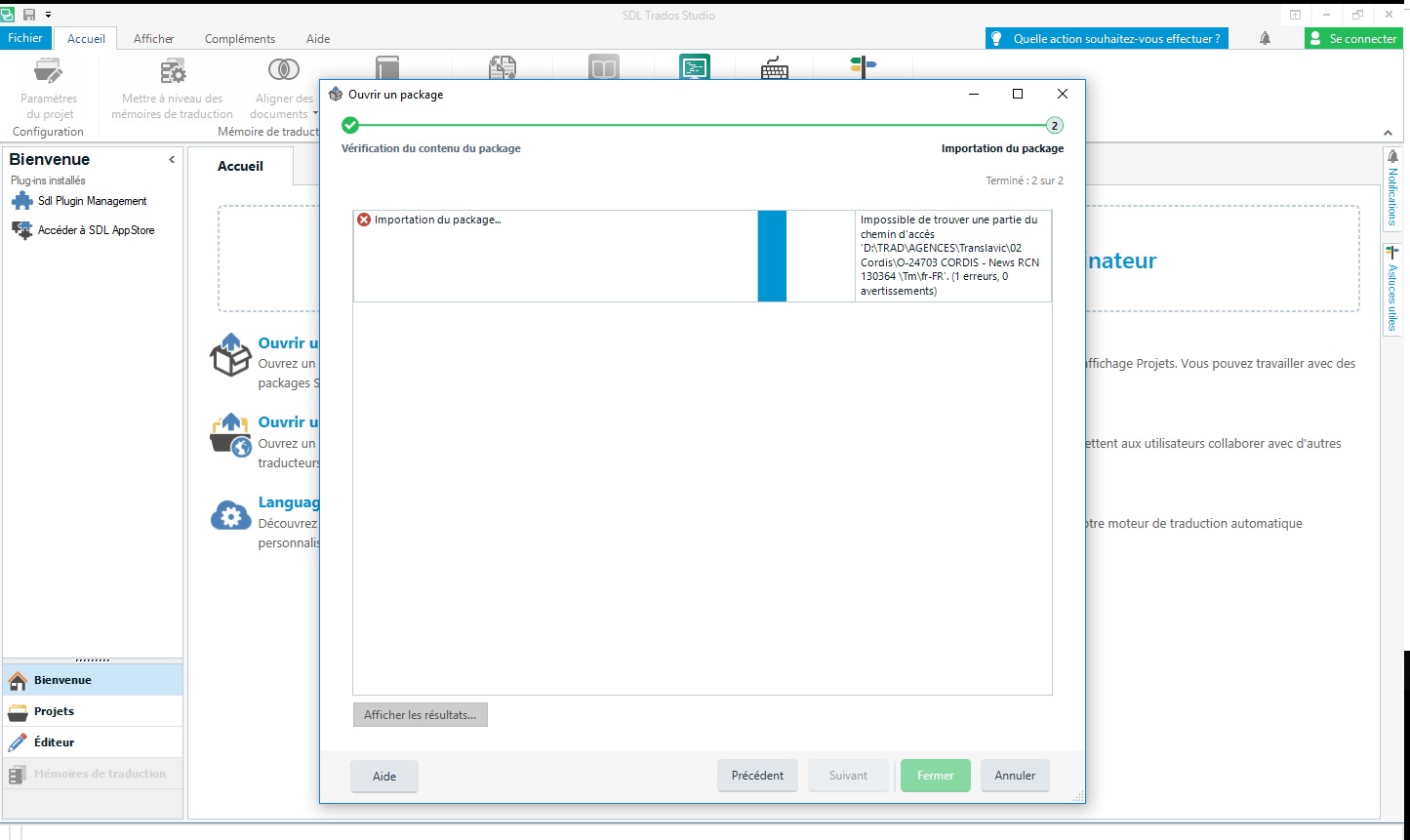
Error message in Trados Studio 2019 stating 'impossible to find a part of the access path' while trying to open a project package.

Many thanks in advance,
Estelle


Generated Image Alt-Text
[edited by: Trados AI at 4:57 PM (GMT 0) on 28 Feb 2024]

emoji
Parents Reply
  • Dear Steven,

    After updating to the latest version of Trados 2019 (I'm using Windows 10), I keep getting this exact same error message (except in Finnish, not French). I can of course do the workaround of unzipping the package and using the files directly, but it doesn't solve the underlying problem and causes extra effort to my client, who then needs to update the translation memory etc. without the help of a return package.

    Was any answer/root cause or a more permanet solution to this ever found? Should I uninstall and reinstall Trados or revert to a previous version until a solution is found (is that is even possible)?

    BR,

    Reetta

Children