You are currently working on UAT 

Can I postpone activation of Studio 2019?

I recently bought an upgrade license from Studio Freelance Plus 2017 to 2019. I have been using Studio 2019 for about 10 days. At least for my work, I have not yet found any significant improvements over 2017 - the changes seem mostly cosmetic.

Moreover, yesterday I encountered a problem with a TM as a result of which hits were not being recognised for tens of seconds - and this was with a TM containing only 70 TUs. (I see that anti-virus is being blamed for this in some posts, but I use only Windows Defender, and it was up and running when I installed 2019, and this is the first time I have had a problem, so I am not convinced that is the problem.)

As I had a deadline, and didn't have time to mess around with reinstallation etc. so I used 2017 instead, which worked fine with the TM in question. I have, I think, another 19 days of the Studio 2019 trial period left. Can I just stop using Studio 2019, continue to use Studio 2017 and maybe at some point in the future activate Studio 2019, perhaps after the next service pack release?

Dan

Parents
  • Hello  

    Dan Lucas said:
    I have not yet found any significant improvements over 2017 - the changes seem mostly cosmetic.

    Maybe review this article... or the release notes:

    https://multifarious.filkin.com/2018/08/27/studio-2019-is-it-worth-it/

    Dan Lucas said:
    I see that anti-virus is being blamed for this in some posts, but I use only Windows Defender, and it was up and running when I installed 2019

    That means nothing.  Studio 2019 is a different product with a different signature.  If your security software doesn't like it you'll need to make sure it's properly whitelisted.

    Dan Lucas said:
    Can I just stop using Studio 2019, continue to use Studio 2017 and maybe at some point in the future activate Studio 2019, perhaps after the next service pack release?

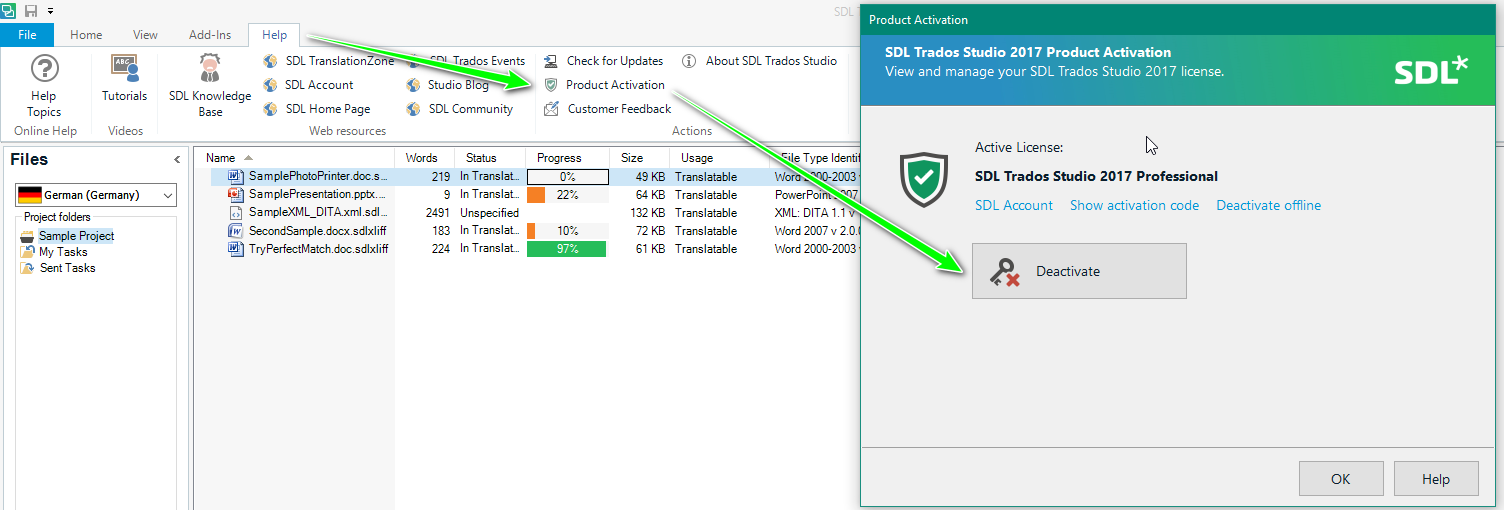
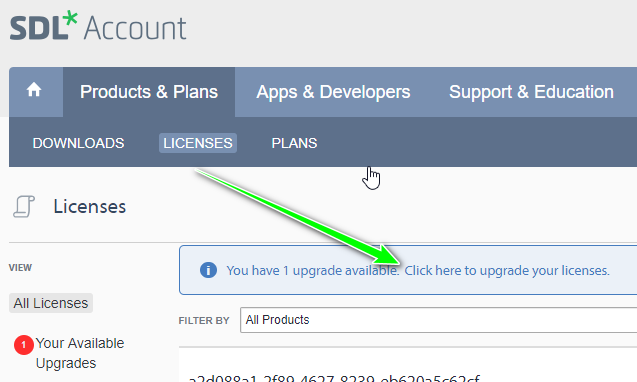
    Sure.  You should just be able to start 2017 and it will use the 2019 licence (unless you are still using the old 2017 licence).  Don't actually enter the activation code.  As long as you returned the licence for 2017 in the product and you have activated 2019 then 2017 will just work.

    Paul Filkin | RWS

    Design your own training!
    You've done the courses and still need to go a little further, or still not clear? 
    Tell us what you need in our Community Solutions Hub

Reply
  • Hello  

    Dan Lucas said:
    I have not yet found any significant improvements over 2017 - the changes seem mostly cosmetic.

    Maybe review this article... or the release notes:

    https://multifarious.filkin.com/2018/08/27/studio-2019-is-it-worth-it/

    Dan Lucas said:
    I see that anti-virus is being blamed for this in some posts, but I use only Windows Defender, and it was up and running when I installed 2019

    That means nothing.  Studio 2019 is a different product with a different signature.  If your security software doesn't like it you'll need to make sure it's properly whitelisted.

    Dan Lucas said:
    Can I just stop using Studio 2019, continue to use Studio 2017 and maybe at some point in the future activate Studio 2019, perhaps after the next service pack release?

    Sure.  You should just be able to start 2017 and it will use the 2019 licence (unless you are still using the old 2017 licence).  Don't actually enter the activation code.  As long as you returned the licence for 2017 in the product and you have activated 2019 then 2017 will just work.

    Paul Filkin | RWS

    Design your own training!
    You've done the courses and still need to go a little further, or still not clear? 
    Tell us what you need in our Community Solutions Hub

Children