You are currently working on UAT 

Studio 2017 is blocked

Hi

Studio 2017 

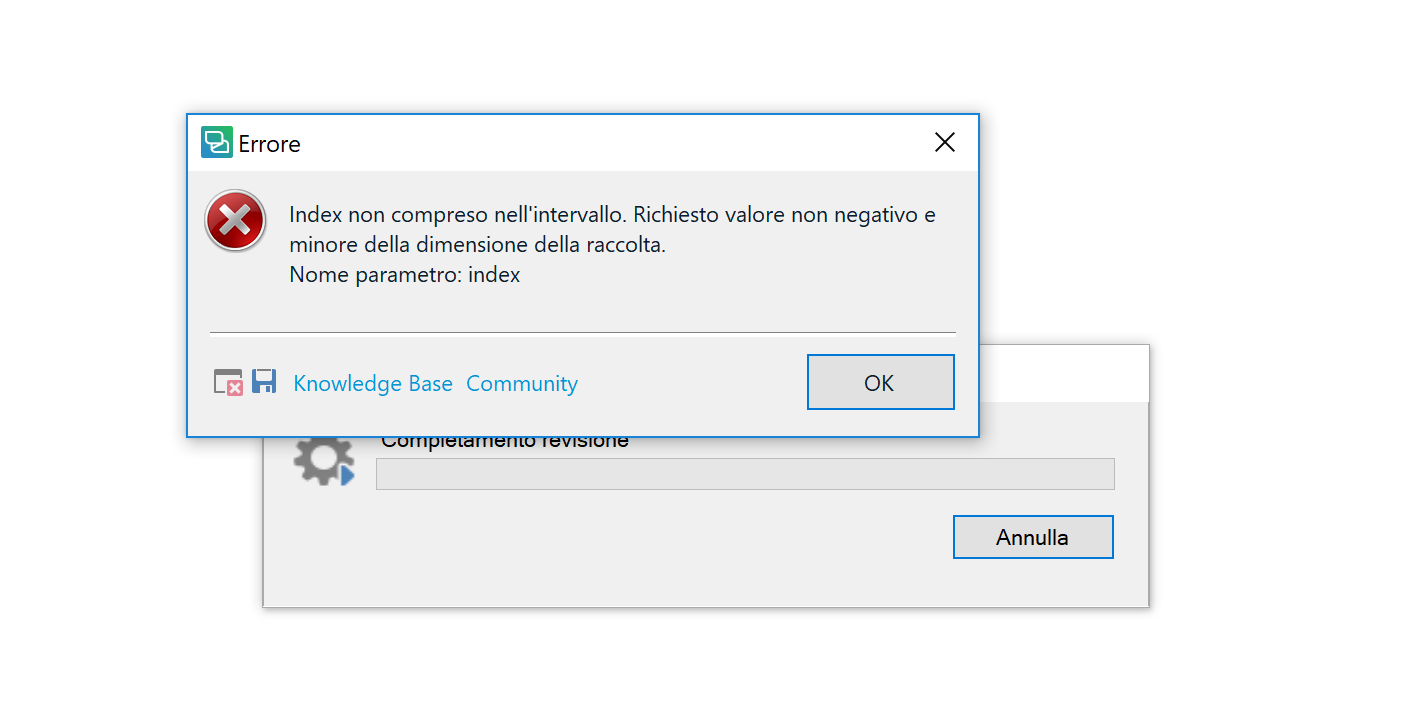
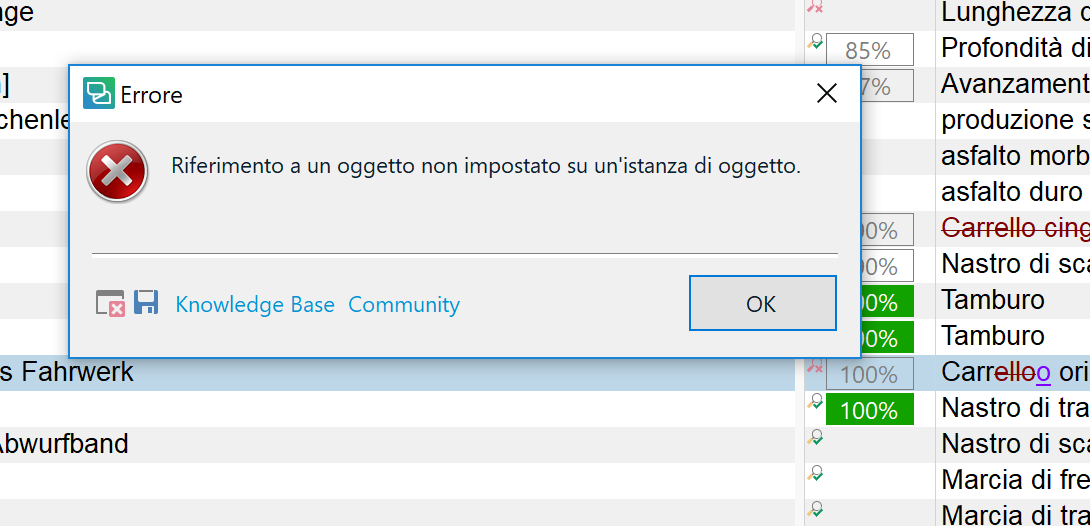
I get these 2 messages and can't do anything more

even close the program!

Thank you fot the help

VeronicaError message in Trados Studio saying 'Index not included in the interval. Requested non-negative value and smaller than the size of the collection. Parameter name: index'.Error message in Trados Studio stating 'Reference to an object not set on an instance of an object.'


Generated Image Alt-Text
[edited by: Trados AI at 2:20 PM (GMT 0) on 28 Feb 2024]

emoji
  • Hi

    The useful information in these error messages (sometimes) is in the stack trace which you can find by saving the file (click the little disk symbol) to your desktop, then attach the file to your post so it's rendered nicely by the forum (don't copy paste the whole message).

    However, I think in this case you should first kill the application using the Windows Task Manager. So press Ctrl+Shift+Esc and then kill Studio. Then restart Studio and see whether it's running ok.

    If you can't restart Studio then do a reset. You could use this app for the reset and this will also explain what you will lose by carrying out a reset before you do it:

    appstore.sdl.com/.../

    But if you'd rather do this manually then rename this folder (just add _old to the end or something, it's not important what you rename it to) and restart Studio:

    c:\Users\[USERNAME]\AppData\Roaming\SDL\SDL Trados Studio\14.0.0.0

    So the path would become this:

    c:\Users\[USERNAME]\AppData\Roaming\SDL\SDL Trados Studio\14.0.0.0_old

    If you can't find this folder then you need to unhide your hidden files/folders:

    www.howtogeek.com/.../

    Paul Filkin | RWS

    Design your own training!
    You've done the courses and still need to go a little further, or still not clear? 
    Tell us what you need in our Community Solutions Hub