You are currently working on UAT 

How to search and replace terms within a Studio 2017 project when virtual merge is not possible?

Dear colleagues,

I am working on a client-created Studio project that contains two dozens of Studio files.  Since each of these files is composed of various small files, I can't do virtual merge by opening multiple files all at once to do global search and replace.  Is there a solution to this situation?  Ideally I would like to be able to open all of these files in one go to ensure I am not missing anything.

Thank you for your input.

Chunyi

PS. I tried using the actual merge method by creating a new project and merging all files to a master file during project creation.  But with this method, the changes only appear in the master file--which is not useful since the master file is not for delivery.

Parents Reply
  • Hi Paul,

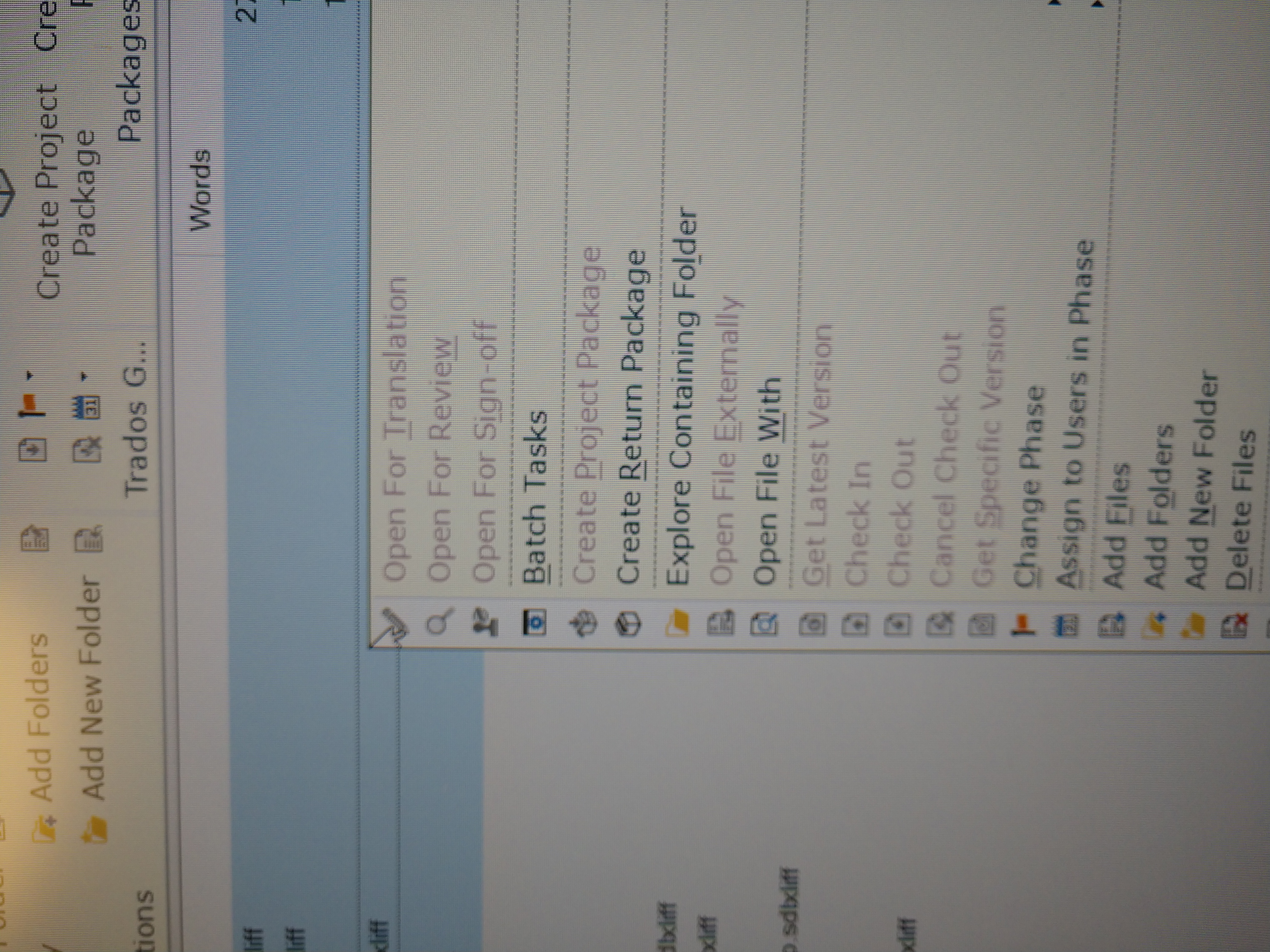
    When I select files and use right click, Open for Translation/Review is greyed out.  I can only open one at a time with these files.

    I think the client uses an earlier version to create this project--not sure whether this matters or not.  These files are ditamap files.  Once again, I don't know if that affects the functionality of virtual merge.

    I did try Toolkit, but ideally I would like to make these changes within the Studio file so that I can see preceding and subsequent segments.  

    Maybe these files would be able to virtual merge in Studio 2019?  If so, that would be great news, cause I just bought the upgrade and am planning to do it after delivering this project.

    ChunyiTrados Studio screenshot showing a right-click context menu with 'Open For Translation' and 'Open For Review' options greyed out and unclickable. 

    emoji


    Generated Image Alt-Text
    [edited by: Trados AI at 2:20 PM (GMT 0) on 28 Feb 2024]
Children