

You are currently working on UAT 

Warning when trying to "Update from Bilingual Review"

I sent a file to be reviewed in bilingual review format using the export feature.

The customer returned the file with their changes entered in the Target column, as requested (cf. the sample below):
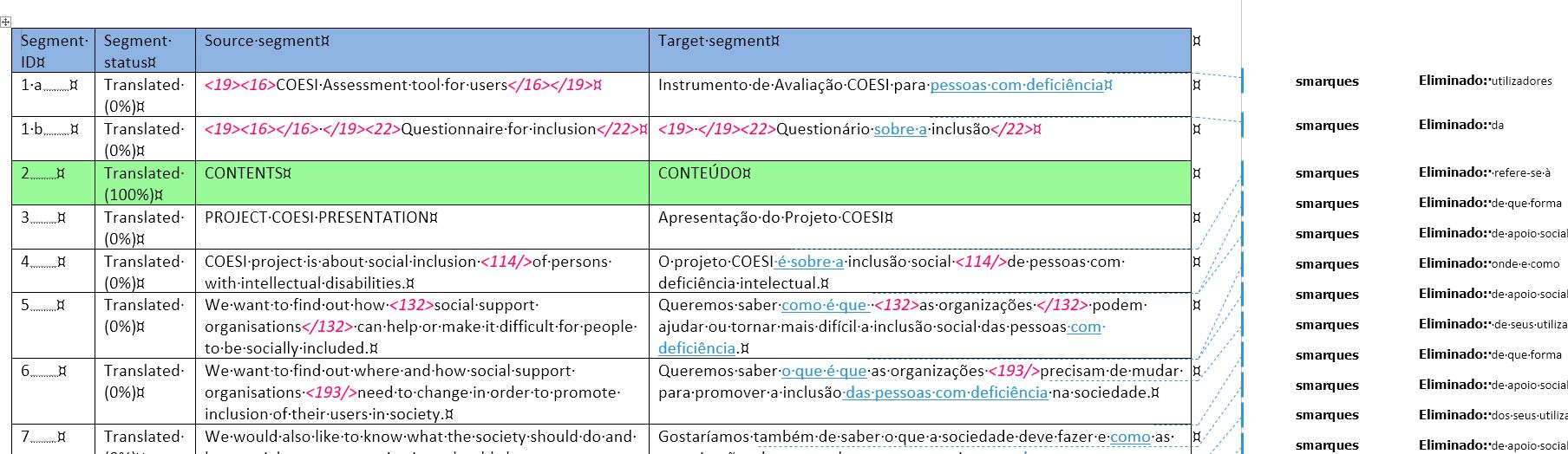
Screenshot of Trados Studio showing a bilingual review file with source and target segments. Changes are visible in the target column.

I tried to update my source project file using the Update from Bilingual Review feature, but nothing gets imported and Studio issues a Warning at the end of the batch process:
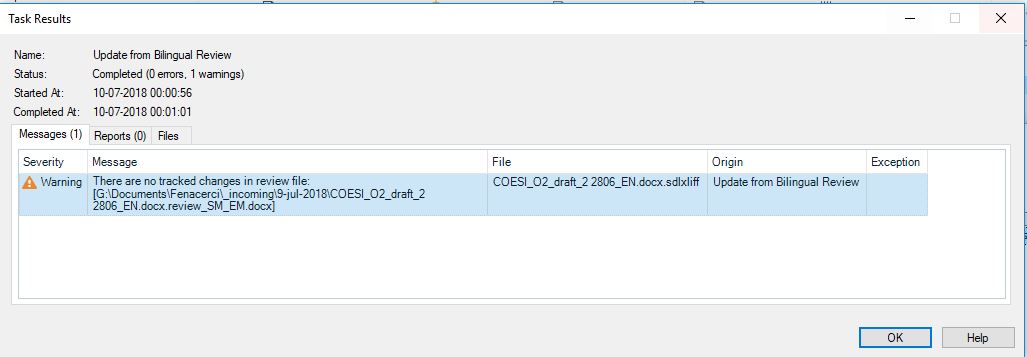
Warning message in Trados Studio stating 'There are no tracked changes in review file: file path.' indicating an issue with importing changes.

Given that the file does contain plenty of "tracked changes", I am at a loss trying to understand what the problem might be.

Any help is greatly appreciated.


Generated Image Alt-Text
[edited by: Trados AI at 5:53 PM (GMT 0) on 28 Feb 2024]

emoji
Parents
  • I have been experiencing exactly the same problem in SDL Trados 2019 Release 2. Odd thing is, it did correctly work the first few times I used it, but later stopped working and I got the message as Paulo described. When I receive the corrected Review file I save it in the External Review file overwriting the original review file. I get the error message that there were no changes made to file and it will not update, so I have to manually go in and make corrections while referring to the corrected file I received. Do I need to follow a different procedure? For the life of me I can't figure out what I'm doing wrong.

Reply
  • I have been experiencing exactly the same problem in SDL Trados 2019 Release 2. Odd thing is, it did correctly work the first few times I used it, but later stopped working and I got the message as Paulo described. When I receive the corrected Review file I save it in the External Review file overwriting the original review file. I get the error message that there were no changes made to file and it will not update, so I have to manually go in and make corrections while referring to the corrected file I received. Do I need to follow a different procedure? For the life of me I can't figure out what I'm doing wrong.

Children
No Data