
 Translate



I sent a file to be reviewed in bilingual review format using the export feature.
The customer returned the file with their changes entered in the Target column, as requested (cf. the sample below):
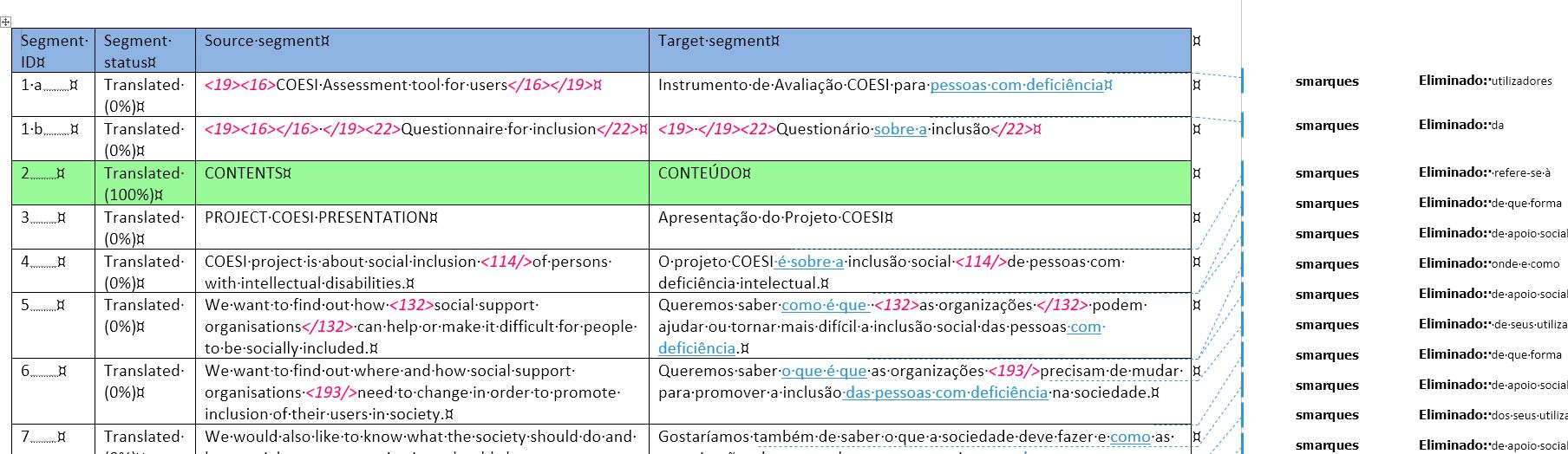
I tried to update my source project file using the Update from Bilingual Review feature, but nothing gets imported and Studio issues a Warning at the end of the batch process:
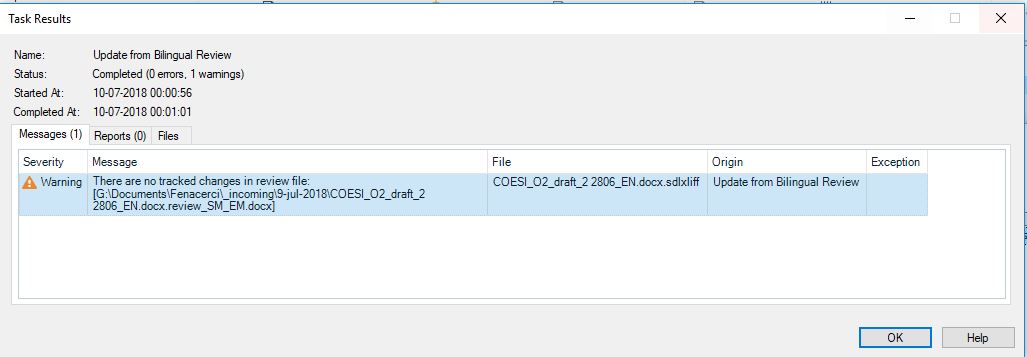
Given that the file does contain plenty of "tracked changes", I am at a loss trying to understand what the problem might be.
Any help is greatly appreciated.
Generated Image Alt-Text
[edited by: Trados AI at 5:53 PM (GMT 0) on 28 Feb 2024]

