
 Translate



Hello good day
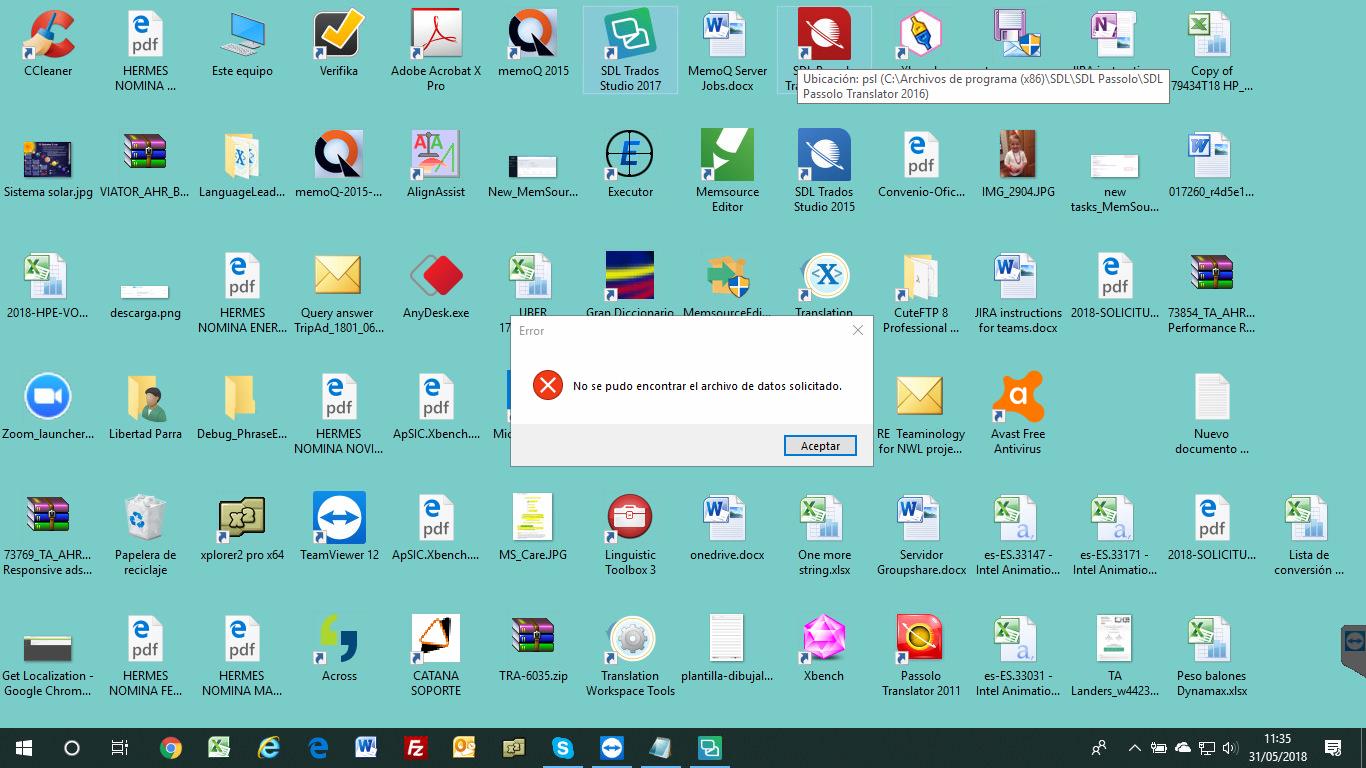
When updating from trados studio 2017 to trados studio 2017 SR1, it gives me an error; "The requested data file could not be found."
For more than reinstall the program, delete folders etc ... remains the same.
I do not know if you can help me
The system is Windows 10
Generated Image Alt-Text
[edited by: Trados AI at 1:40 PM (GMT 0) on 28 Feb 2024]

