Translate



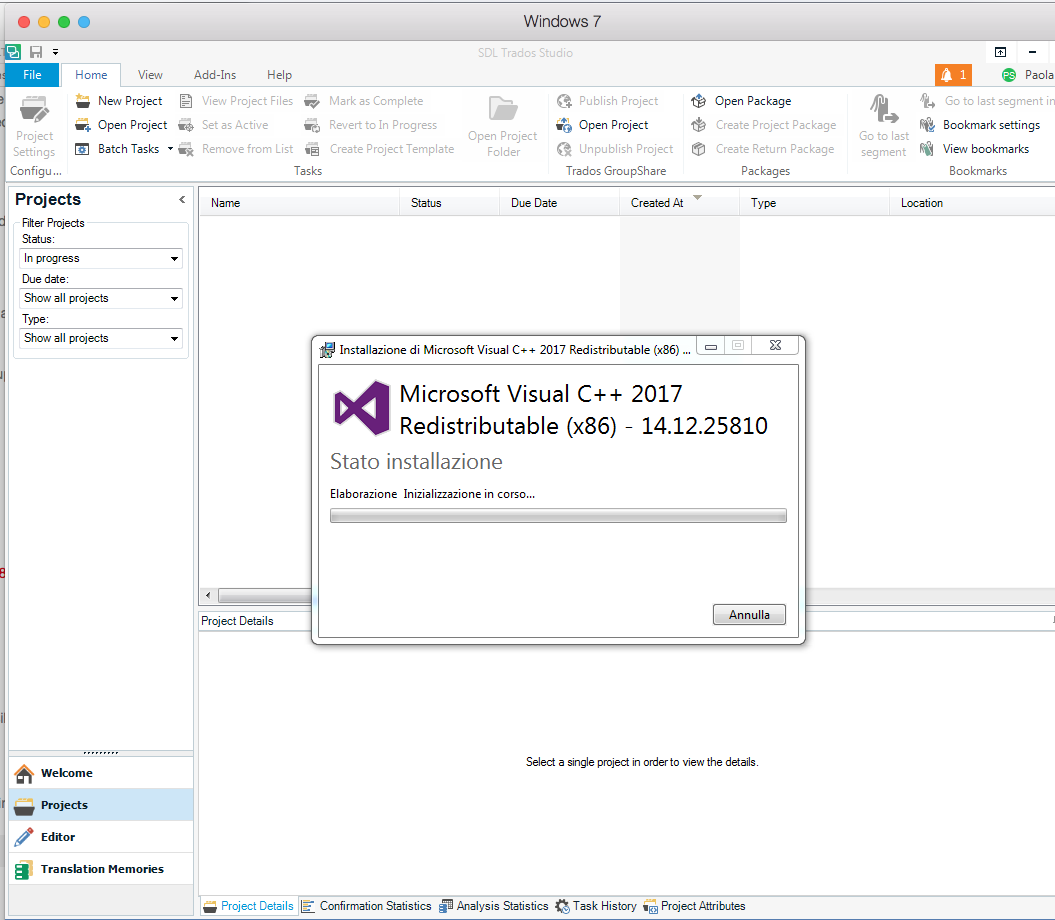
When I launch Studio 2017, I get an orange bell telling me there a C++ update available, but then it won't install because of 'Error 23'. I have tried to set the updates to download and install automatically' in Studio, and also to run Studio as an Admin, to no avail.
How do I solve this?