Translate



Hi,
Reading the release note for the 21 Feb 2018 update, I've found a good-sounding new feature:
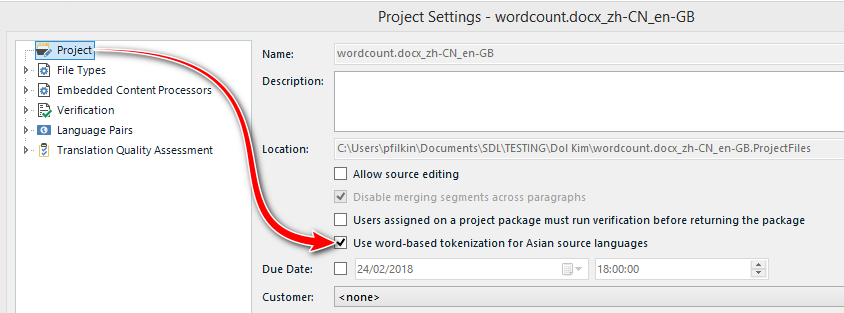
For users to get more complete information when translating from Asian languages in the light of the new Asian tokenization option, there is now a Word column in the Analysis report for Asian source languages:
- if the character-based tokenization (active by default) is used, the word column reports a single Asian-language character as one word and a Western-language word as one word.
- if the new word-based tokenization is used, the word column reports Asian-language words as words identified by the new tokenization engine and Western-language words also as one word. This typically always results in a lower word count.
However, I cannot find how to access it.
Could anyone tell me how?