MQXLIFF segment status mapping

Hello everyone,

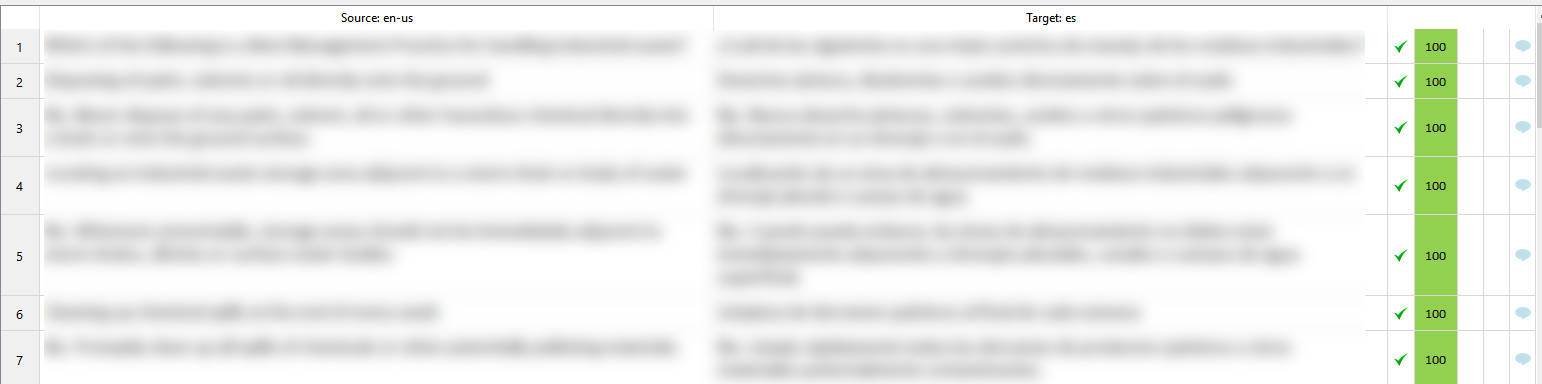
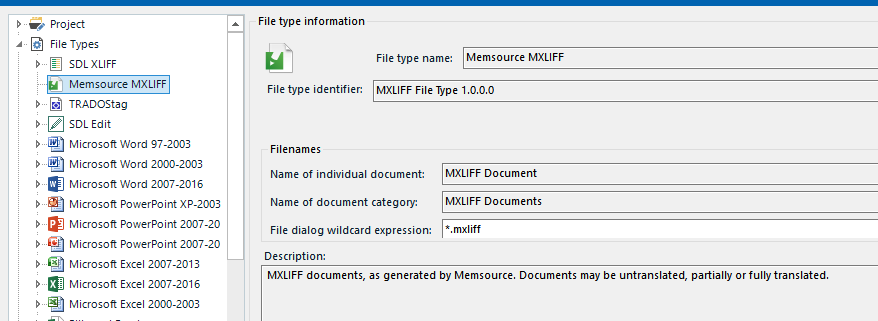
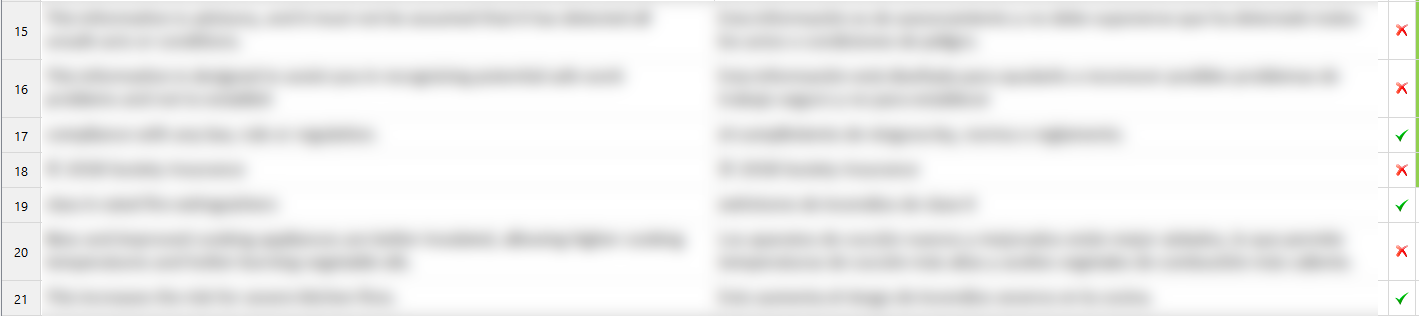
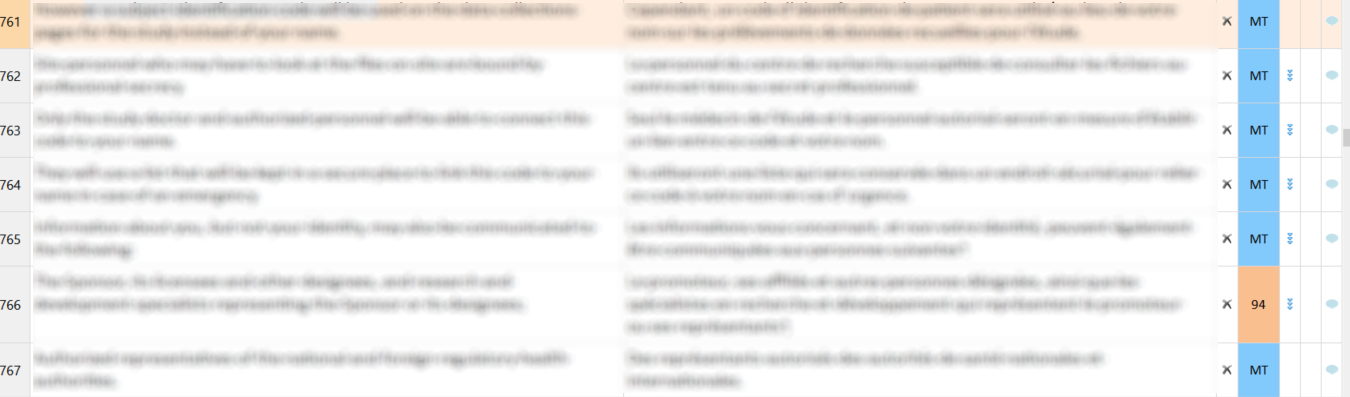
When processing an mqxliff file in Studio, after exporting it back and upon importing it into MemoQ all the segments appear as unconfirmed, and need to be confirmed manually in MemoQ. I see that the segment status from SDLXLIFF to MQXLIFF is Translated=Translated, but since that wasn't working, I tried changing it to Translated=Confirmed, which doesn't work either. Examining the target MQXLIFF in Notepad++ shows that no segments have the "Confirmed" status, they all still appear as "Translated".

What am I missing here? What should be the right settings for proper segment status mapping?

Parents Reply Children
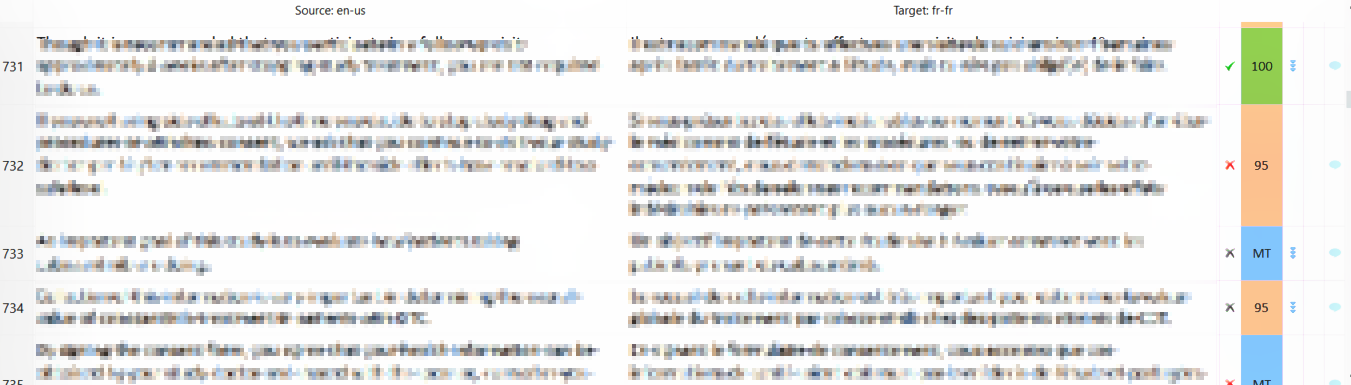
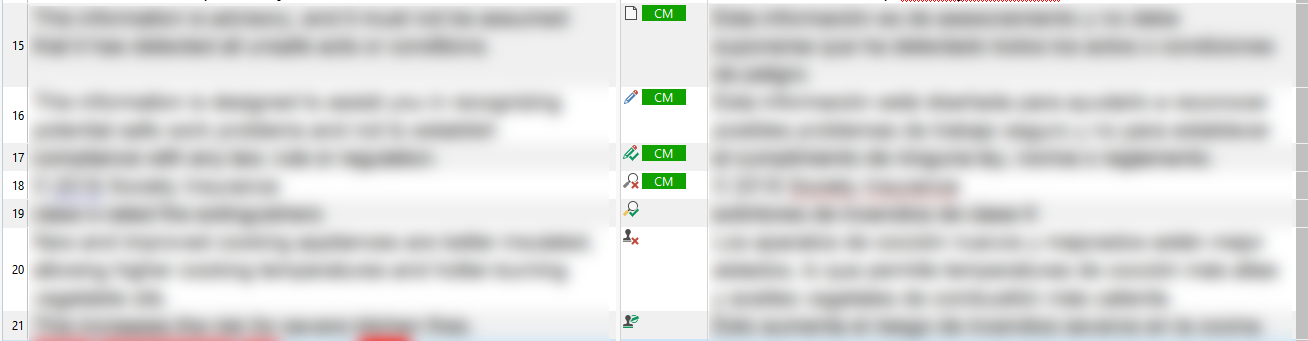
  • Very strange also that your "Not confirmed" symbol is grey instead of red, but I have no idea what could be causing all this, except to ask if you have the latest version of the Memsource editor. Maybe it would also be a good idea to inspect your mxliff file and see what's in there. If I open one of my files in Notepad++, I can see that segments with a status of Confirmed show a 1, and those with a status of Not Confirmed show a 0.

    And just to check, what happens when you manually confirm the segments in Memsource? Do they correctly change to Confirmed? That may be the quickest workaround for now, just selecting all the segments at once and changing them to Confirmed directly in Memsource while you investigate the issue further.

  • Very strange indeed as my Confirmed segments show a 2 when the Not confirmed show a 0.
    Following your advice, I have downloaded the latest version of the Editor (I was one version behind) but unfortunately, this did not do the trick.
    I have over 42k words with many high fuzzy matches so I was really hoping to find a solution but I guess I'll just do this the "old fashion way": manually :(

    Thank you so much Nora for your time and trying to help me out.

    Aubéline