You are currently working on UAT 

Trados 2017 find & replace function not working

Hello, 

I apologize in advance if I double posted on a subject that has been already covered, but the find & replace function is not working for me at all, the program even refuses to "find next". I have duly restarted multiple times, both the PC and the program, have updated to the latest version and yet the problem persists.

I have downloaded the app suggested by a kind guy here, but it makes no difference and as you can probably understand, the absence of that function renders the program next to useless.

Anyone had this and fixed it, anyone? 

Thank you in advance,

Parents Reply
  • Hello and Martha Ebermann,

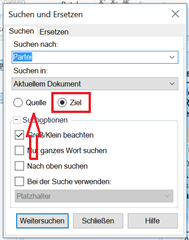
    thank you for your reply; I checked and it was all correctly ticked. Actually, in the find & replace menu I checked the cascade menu which alternates between "current document" and "this section only" and accidentally found that that cascade sometimes grays out for me. So re-selecting "current document" option actually fixed it.

    I can confirm this since the function stopped working once more, I went back to the f & r menu (it read "current document"), re-selected it and things went back to normal. Either a bug or it's my innate skill to destroy any software I come in contact with.

    Many thanks, again, for your time and kindness.

    Best regards;
Children
No Data