 Translate



Hi all!
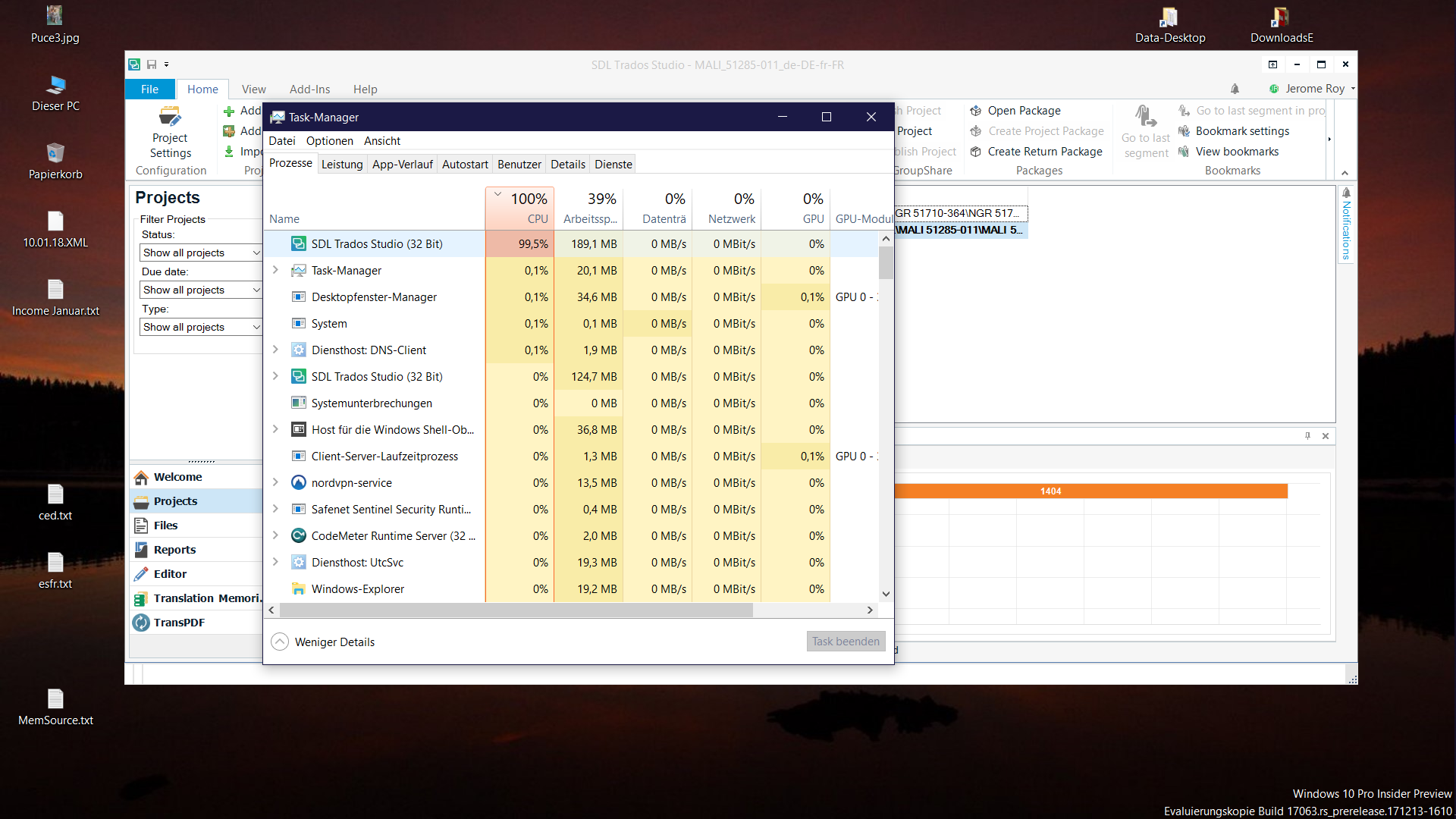
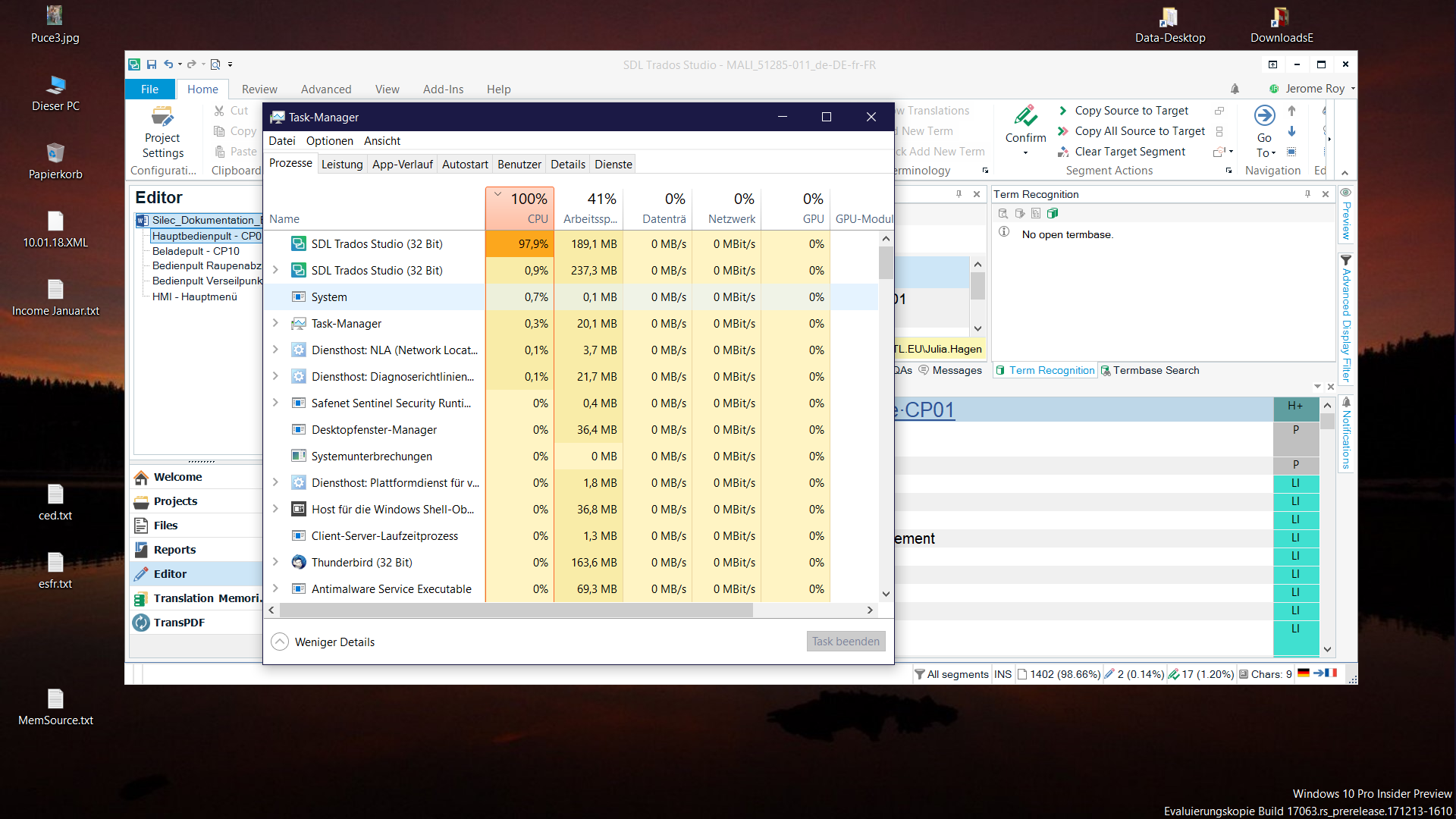
Since today, Studio's CPU usage ist, whatever I do, more than 95%.
I've tried to close and reopen, but no better result.
Any idea why is it so?
Thanks
You are currently working on UAT

Hi all!
Since today, Studio's CPU usage ist, whatever I do, more than 95%.
I've tried to close and reopen, but no better result.
Any idea why is it so?
Thanks
_________________________________________________________
When asking for help here, please be as accurate as possible. Please always remember to give the exact version of product used and all possible error messages received. The better you describe your problem, the better help you will get.
Want to learn more about Trados Studio? Visit the Community Hub. Have a good idea to make Trados Studio better? Publish it here.
_________________________________________________________
When asking for help here, please be as accurate as possible. Please always remember to give the exact version of product used and all possible error messages received. The better you describe your problem, the better help you will get.
Want to learn more about Trados Studio? Visit the Community Hub. Have a good idea to make Trados Studio better? Publish it here.


_________________________________________________________
When asking for help here, please be as accurate as possible. Please always remember to give the exact version of product used and all possible error messages received. The better you describe your problem, the better help you will get.
Want to learn more about Trados Studio? Visit the Community Hub. Have a good idea to make Trados Studio better? Publish it here.

Hello Jerome Roy (JeromeRoy) ,
I have been doing some research on this and it sounds like an issue that was happening in the original Studio 2017 release (resolved since) and
has been discussed in the following threads

and
There are quite a few solutions mentioned in the articles so I think worth checking out one by one
-Ensure you have upgraded your Studio you the latest release (resolved most CPU issues I understand)
-Check the 'Local Security Authority Process'
-Ensure all drivers are up to date
-Check the integrity of any installed (SDL) Apps. (uninstall and reinstall one by one)
I also notice that it appears you are running a 'none standard' Windows 10 Insider Preview version
Maybe if none of the above provides a solution its worth checking the Windows version itself.
If one or more of the above suggestions work- could you please let the community know?
Oana Nagy | QA Engineer | RWS Group