
 Translate



I tried again and again but it still isn't working. Things I've done:
- Reinstall my pc totally clean, only Office and SDL Trados Studio on it. The suggested knowledge base article ( gateway.sdl.com/CommunitySearchResults to save report ) doesn't apply here, no Foxit reader installed.
- Made sure Excel works, doesn't have any strange addins and is activated.
I uploaded the sdlerror file for further reference.
Please look into this.
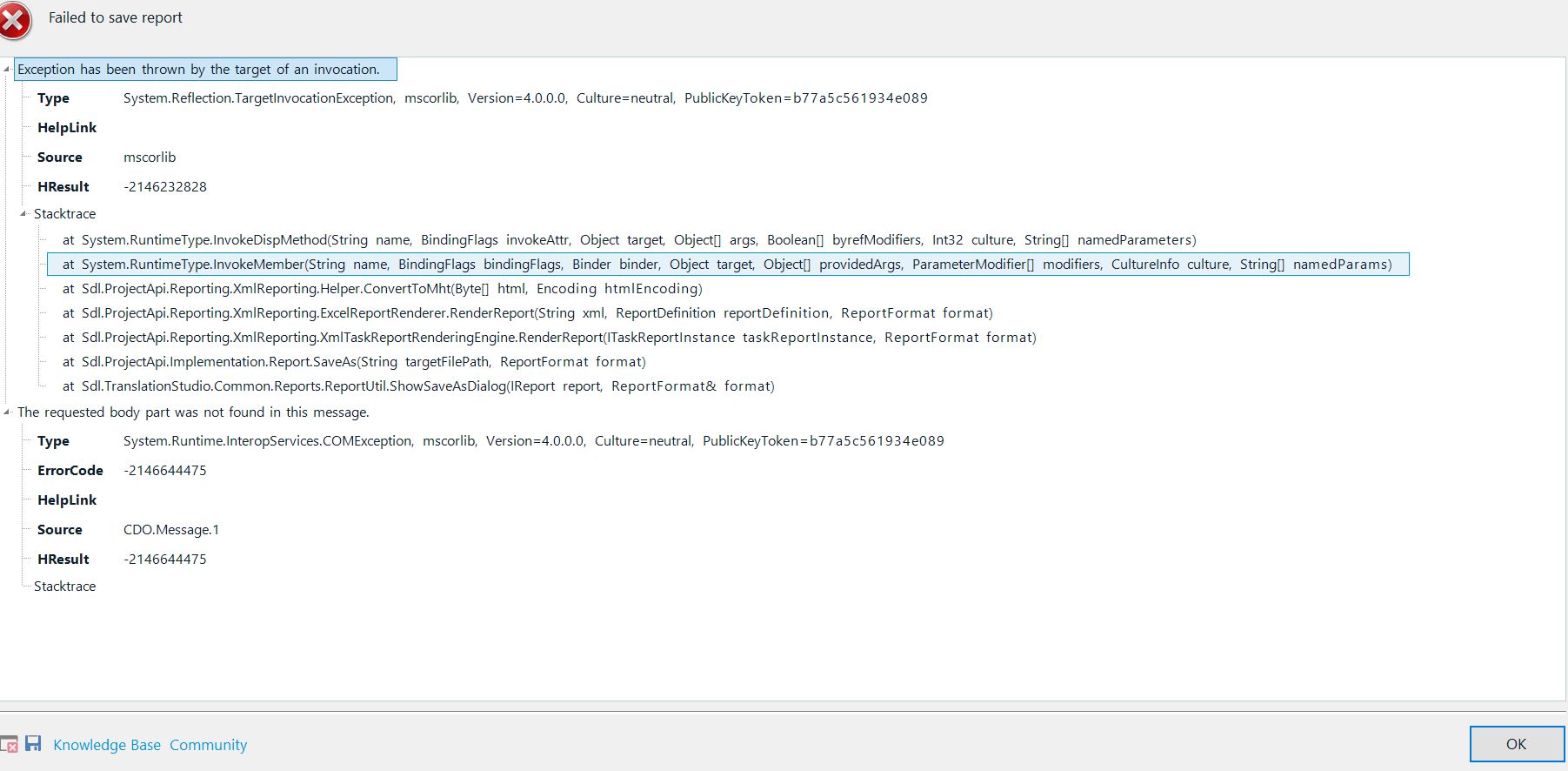
<SDLErrorDetails time="05/12/2017 01:05:35">
  <ErrorMessage>Failed to save report</ErrorMessage>
  <Exception>
    <Type>System.Reflection.TargetInvocationException, mscorlib, Version=4.0.0.0, Culture=neutral, PublicKeyToken=b77a5c561934e089</Type>
    <HelpLink />
    <Source>mscorlib</Source>
    <HResult>-2146232828</HResult>
    <StackTrace><![CDATA[   at System.RuntimeType.InvokeDispMethod(String name, BindingFlags invokeAttr, Object target, Object[] args, Boolean[] byrefModifiers, Int32 culture, String[] namedParameters)
   at System.RuntimeType.InvokeMember(String name, BindingFlags bindingFlags, Binder binder, Object target, Object[] providedArgs, ParameterModifier[] modifiers, CultureInfo culture, String[] namedParams)
   at Sdl.ProjectApi.Reporting.XmlReporting.Helper.ConvertToMht(Byte[] html, Encoding htmlEncoding)
   at Sdl.ProjectApi.Reporting.XmlReporting.ExcelReportRenderer.RenderReport(String xml, ReportDefinition reportDefinition, ReportFormat format)
   at Sdl.ProjectApi.Reporting.XmlReporting.XmlTaskReportRenderingEngine.RenderReport(ITaskReportInstance taskReportInstance, ReportFormat format)
   at Sdl.ProjectApi.Implementation.Report.SaveAs(String targetFilePath, ReportFormat format)
   at Sdl.TranslationStudio.Common.Reports.ReportUtil.ShowSaveAsDialog(IReport report, ReportFormat& format)]]></StackTrace>
    <InnerException>
      <Type>System.Runtime.InteropServices.COMException, mscorlib, Version=4.0.0.0, Culture=neutral, PublicKeyToken=b77a5c561934e089</Type>
      <ErrorCode>-2146644475</ErrorCode>
      <HelpLink />
      <Source>CDO.Message.1</Source>
      <HResult>-2146644475</HResult>
      <StackTrace><![CDATA[]]></StackTrace>
    </InnerException>
  </Exception>
  <Environment>
    <ProductName>SDL Trados Studio</ProductName>
    <ProductVersion>14.0.0.0</ProductVersion>
    <EntryAssemblyFileVersion>14.1.6413.8</EntryAssemblyFileVersion>
    <OperatingSystem>Microsoft Windows 10 Home</OperatingSystem>
    <ServicePack>NULL</ServicePack>
    <OperatingSystemLanguage>1033</OperatingSystemLanguage>
    <CodePage>0</CodePage>
    <LoggedOnUser>WOODHOUSE\Marjolein</LoggedOnUser>
    <DotNetFrameWork>4.0.30319.42000</DotNetFrameWork>
    <ComputerName>WOODHOUSE</ComputerName>
    <ConnectedToNetwork>True</ConnectedToNetwork>
    <PhysicalMemory>16659636 MB</PhysicalMemory>
  </Environment>
</SDLErrorDetails>

