You are currently working on UAT 

QA-Checker is not reporting any errors no matter what I do

QA-Checker is not reporting any errors even if I build some in to trigger it (adding multiple spaces or having different ending punctuation in source and target).

I have enabled QA Checker in the general options and in the project settings as well.

I have also checked "Enable Verification of Segment" under Options - Editor - Automation. Now I am utterly stumped but feel like I am just not seeing the elephant in the room. Any ideas what I am forgetting? (I am fairly new to Trados Studio)

Thanks in advance!

Parents Reply
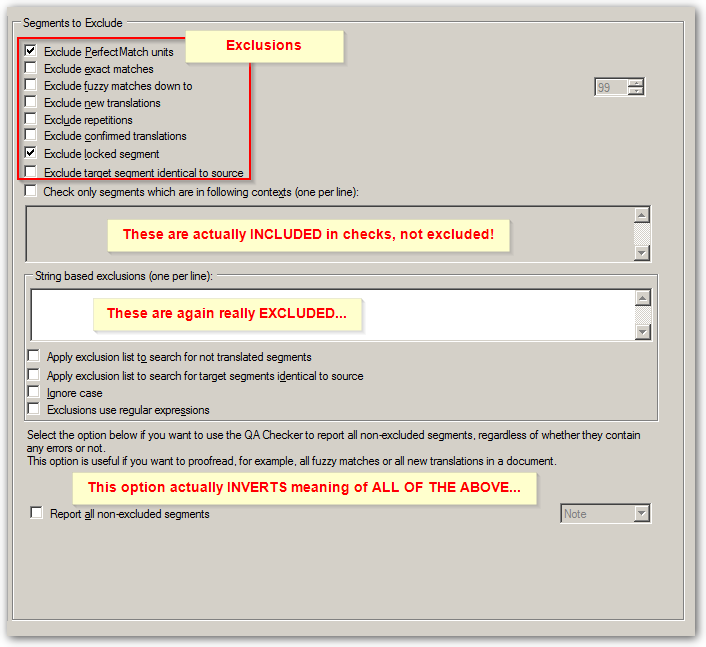
  • Okay, everyone I just had my big 'duh' revelation: the punctuation errors were acutally not checked in the project settings and I never thought to make sure they were because I thought that setting those in the general options would carry those settings over to all projects I am working on.

    This goes to show how not knowing a program properly can cause ridiculous issues...

    However, just so I know for the future: when I set the QA Chaecker in the general options, which projects are being affected by those settings? Those that I create myself? If this is the case - what are the setting of the project template for? If this is not the case - for which types of projects DO these settings apply?

    Background: I usually work on projects which are being sent to me by an agency via packages. Does that mean that all of the project-specific settings (including QA Checker) of the party who created that project package are being used and I have to re-set QA Checker every time (or import my preferred settings)?
Children
  • Lilli Staehle said:
    However, just so I know for the future: when I set the QA Chaecker in the general options, which projects are being affected by those settings? Those that I create myself? If this is the case - what are the setting of the project template for? If this is not the case - for which types of projects DO these settings apply?

    Hi  

    Existing projects are not affected. This is deliberate behaviour, the idea being that you can create new projects without affecting the settings of the existing projects. If you need different settings for different customers then you could create different templates with different settings and these will be used for all future projects, but changing the template settings will never affect existing projects.

    Paul Filkin | RWS

    Design your own training!
    You've done the courses and still need to go a little further, or still not clear? 
    Tell us what you need in our Community Solutions Hub