Translate



Dear SDL Studio and IntelliWebSearch users:
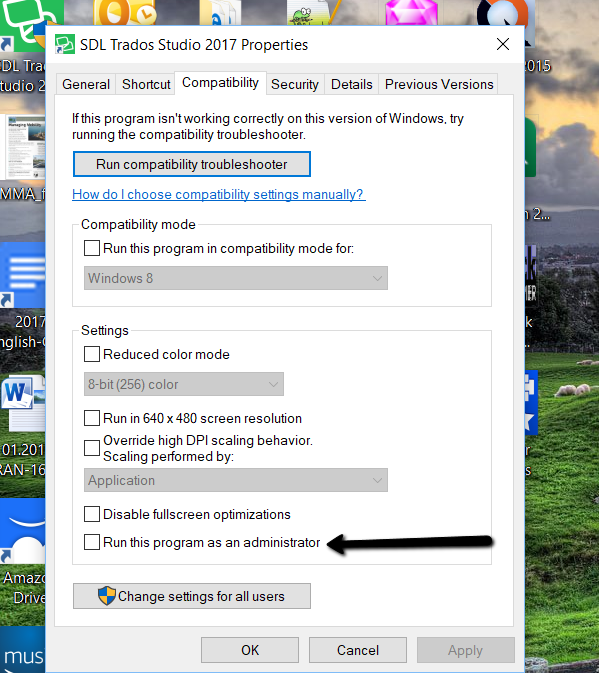
I have noticed that since I started to run Studio as an administrator, the IWS shortcuts I set for accessing various websites (for example, Ctrl+Alt+L to look up the highlighted words in Linguee) are no longer working. In other words, if I highlight "justice" in a given segment in Studio and use Ctrl+Alt+L key combo, nothing happens.
Since I experience this issue only in Studio but not in other applications, I wonder if this has something to do with running Studio as an administrator. I need to run Studio as admin, because it's a prerequisite for the RyS term management plugin.
Does someone have a quick fix for the IWS shortcut issue without having to disable the administrator option?
Thank you!
Chunyi