Translate



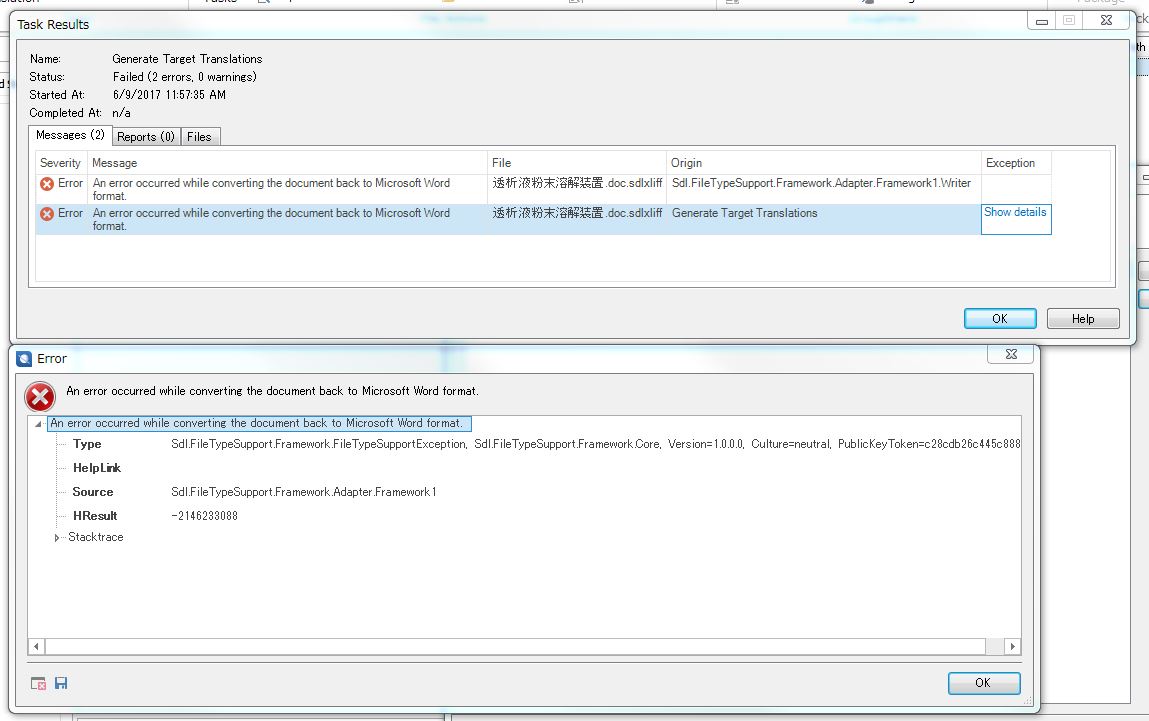
A Word file converted into a sdlxliff file and back to a word document with Studio 2017 cannot be opened with an error message saying
"It is impossible to open the file. Some problems have been found in its content."
The detailed message says "Error cannot be identified. Location : /word/document.xml, line: 2, column: 29405."
Although I have already tried the measures suggested in the responses to the past question in this place: "Impossible to open a target Word .docx file,"
I couldn't solve the problem. As the last attempt, I opened and repaired the source word file, saved it, and tried to convert the repaired word file (source) into a sdlxliff file for translation with studio 2017, then, an error message "Object reference not set to an instance of an object" appeared and the process stopped.
The details of this error is as shown in the attached image.
Does anyone have a solution to this problem?
I would really appreciate it if somone could help me.
B. regards & thanks in advance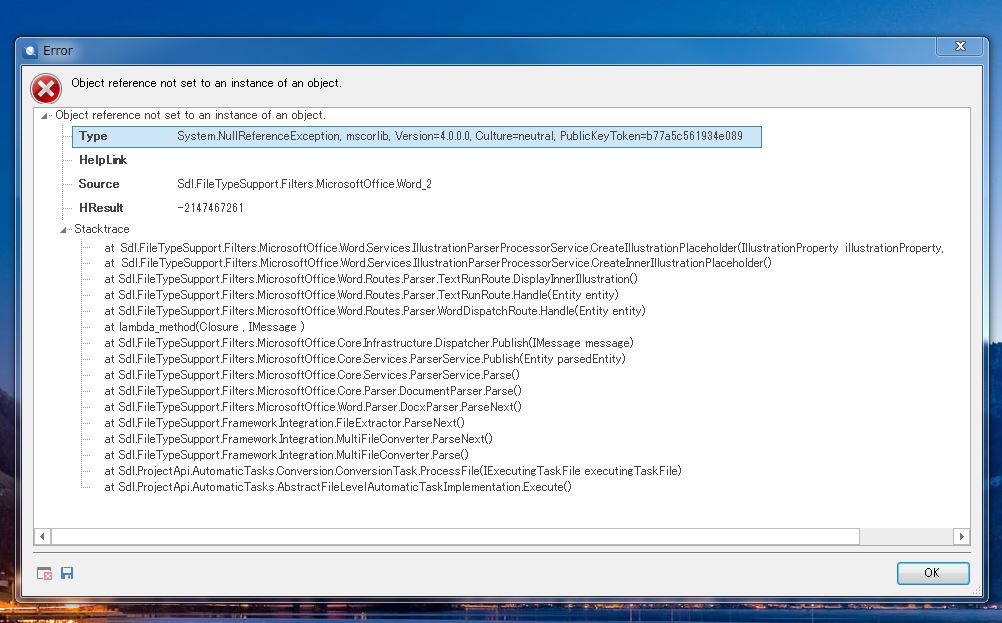
You are currently working on UAT

RWS Community